Archive for the ‘Apple’ Category

eWallet GO! Sale Extended Through Friday!

Monday, August 22nd, 2011

eWallet GO!We had such an incredible response to our eWallet GO!™ Back to School sale that we decided to extend it!  For the next five days, you can get eWallet GO! on any platform for just 99 cents.

Follow the links below to get eWallet GO! for just 99 cents!

Thanks again to everyone that purchased eWallet GO! and a special thank you to everyone who reviewed it. We really appreciate your support, and we want to thank you for helping to make eWallet GO! the best-selling secure information management app in the iTunes App Store!

eWallet GO!—Auto-Sync and an Amazing Sale!

Monday, August 15th, 2011

eWallet GO!We’re very excited to announce the addition of automatic synching for eWallet GO!™ on Windows PC and iOS. With this update, eWallet GO! can automatically save an encrypted backup of your info to either Google Docs or Dropbox whenever you make a change! And if you set up eWallet GO! on another device to synchronize with the same service, eWallet GO! will automatically synchronize the information between the devices. No more manual backup and restore!

This feature is only available on Windows PC and iOS at this time, but we hope to add it to eWallet GO! on Mac, Android, and Windows Phone in the future.

As if that weren’t enough, we also added full Landscape support to eWallet GO! on iOS.

To celebrate this release, we’re offering a Back-to-School Special! For a limited time, you can get eWallet GO! for your mobile device (iOS, Android, or Windows Phone) for just 99 cents! But wait…there’s more! You can also get eWallet GO! on your Windows PC or Mac for free!

What are you waiting for? Hop over to http://www.ewalletgo.com and get your copies of eWallet GO! before the sale ends!

eWallet GO! Makes Cloud Storage Safer

Friday, May 6th, 2011

eWallet GO!With recent news about a possible security breach for a cloud-based secure information manager and discussions like this one at various sites around the web, we wanted to say a few things about eWallet GO!TM With eWallet GO! we’ve developed a solution that gives you the convenience of cloud based storage and sharing while significantly reducing the risk!

When you backup your information to Dropbox or Google Docs from eWallet GO! you’re backing up a fully encrypted file. This file features the power of 256-bit AES encryption. Even if someone managed to get this backup file, as long as you’ve chosen a strong password, it is effectively impossible for them to access your personal information stored in eWallet GO! And when we decrypt your data so you can view it, it all happens locally – we never, EVER send your password over the internet.

But how safe is safe?

But what does this “256-bit” stuff mean? In a great article on Wikipedia about what it would take to hack a file using 256-bit AES encryption, they offer the following:

A device that could check a billion billion (1018) AES keys per second (if such a device could ever be made) would in theory require about 3×1051 years to exhaust the 256-bit key space.

In other words, a really good password using 256-bit AES encryption is effectively unhackable by anything outside of science fiction. Humans will have constructed a Dyson Sphere around the sun and shed our mortal forms by the time someone can get to your data.

Good Passwords Required!

There is a caveat – the security is only as good as the password. First, we all know choosing a password another person could guess is a bad idea. We also know that we should never leave the password where someone else could find it, and we know that we should never pick a word that appears in the dictionary. We hear this advice time and again from security experts, and it’s true!

But what about a “brute force” attack, where a hacker uses a computer to guess the password by trying different combinations of letters, numbers, and symbols? In this case, the longer the password, the harder it becomes to crack. How hard? Let me give you a couple of examples:

An 8-digit password using all lowercase letters would take, in theory, around 3-6 years to hack with brute force.

An 8-digit password using a combination of lowercase, uppercase, numbers, and symbols would take, in theory, around 4000-8000 years to hack with brute force.

That’s right – if your password is f8#$mGQ! it could take 4-8 THOUSAND years to figure it out using an off-the shelf computer and the appropriate software.

And here’s the best part – length benefits are exponential! Add one more character – and now it might take 250-500 THOUSAND YEARS to hack your password.

At the end of the day, you don’t have to sacrifice convenience for security. With eWallet GO! you get all the benefits of cloud based storage and sharing while significantly reducing the risk.

Need help building a strong password? Visit www.passbuilder.com to generate super-strong passwords!

eWallet GO! now available for Mac OS X

Tuesday, May 3rd, 2011

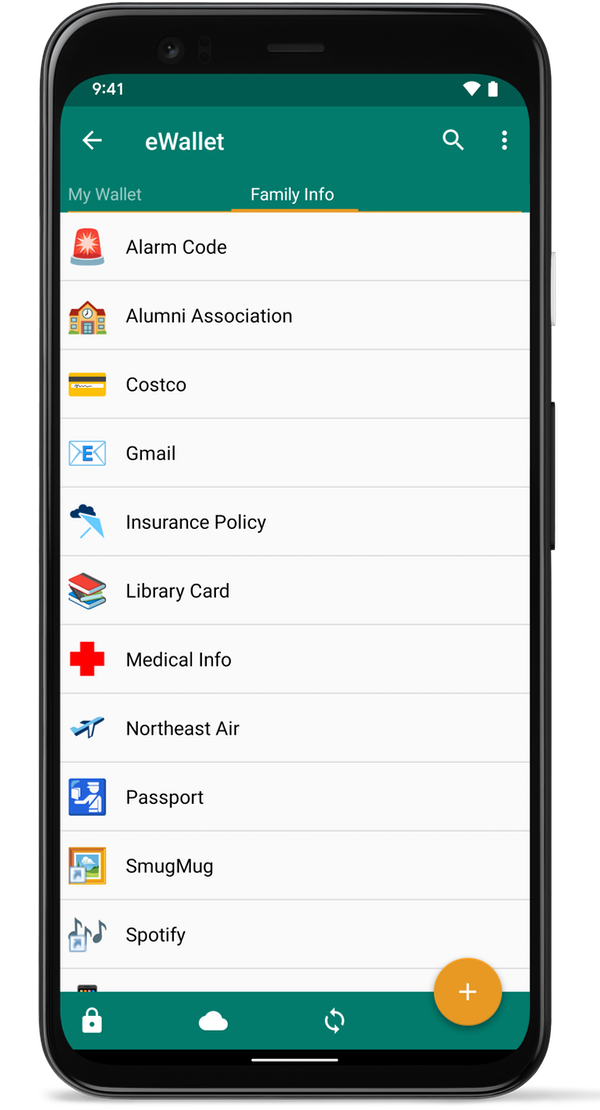
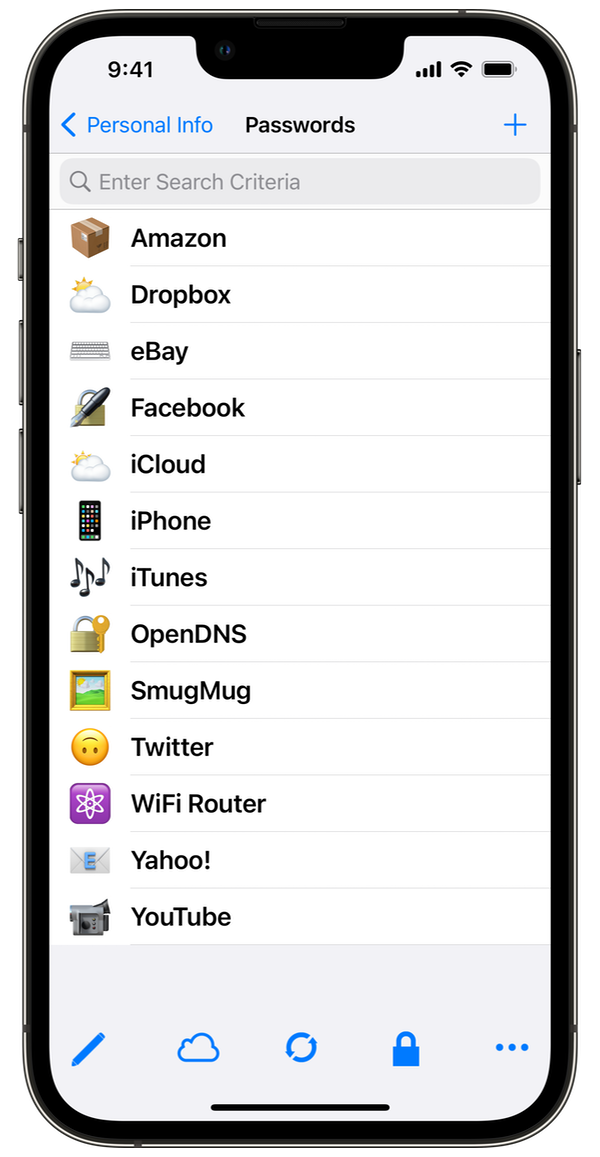
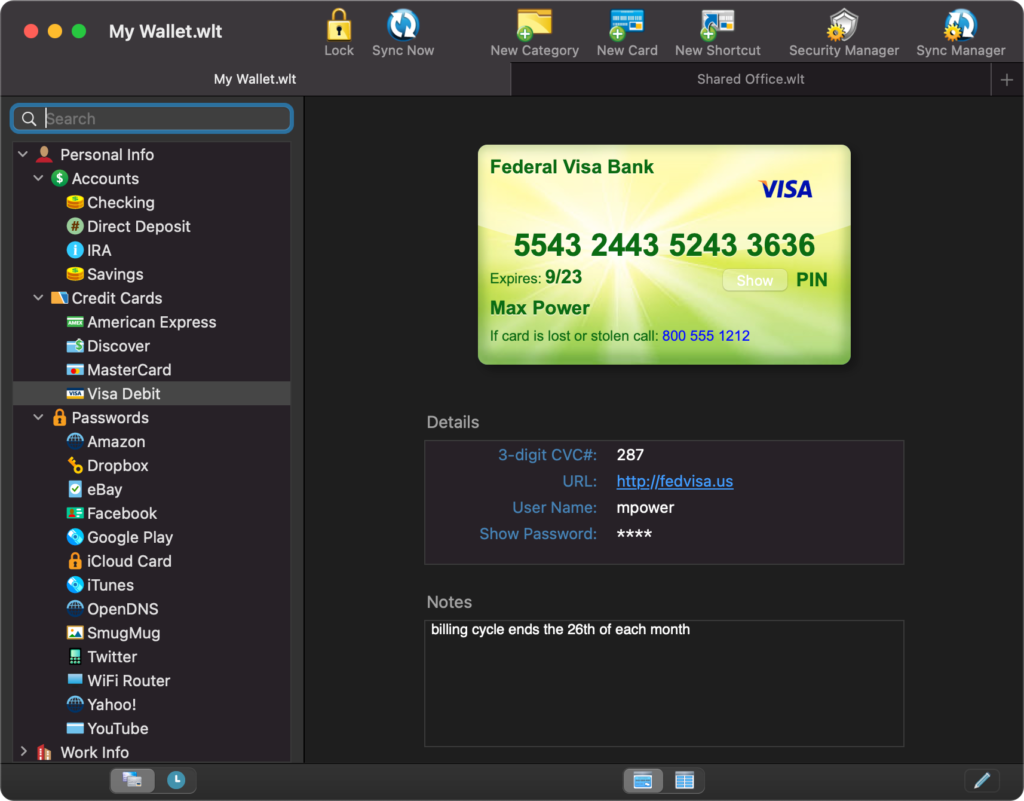
eWallet GO!Hot on the heels of last week’s eWallet GO! releases for Android and iOS, our popular new password app is available for another platform – Mac OS X. With this latest version, eWallet GO! now works on iPhone, iPod touch, Android, Windows Phone 7, Mac and Windows PC.

eWallet GO! is our streamlined, secure information manager that’s really easy to use and gives you a lot of flexibility working with your data. What does eWallet GO! have to offer? How about:

  • 256-bit AES encryption
  • Over 25 ready-to-use card templates
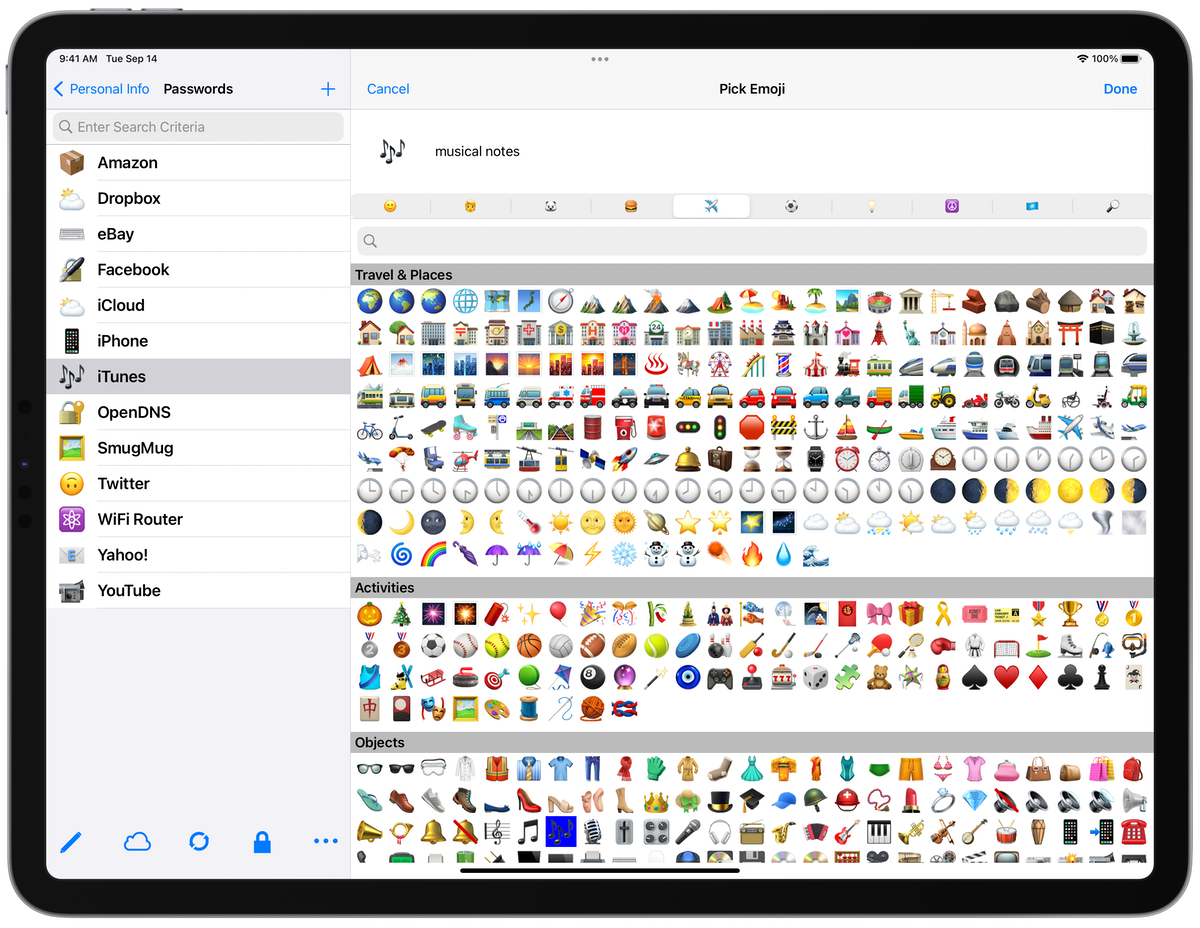
  • Over 45 card icons to choose from
  • Robust search function
  • Auto-lock when left idle
  • Amazingly easy-to-use

And eWallet GO! makes backing up and restoring a breeze with Google Docs and Dropbox. Just backup to the cloud and you won’t have to worry about losing your data after you enter it. You can easily restore your file to your Mac too, and if you own eWallet GO! on any of its available mobile platforms, you can use the backup and restore features to move your information back and forth, keeping it up-to-date wherever you are.

eWallet GO! is just $4.99 through the Mac App Store. More information, including screenshots and details on how to buy, are available on our site. If you’re a current eWallet 7 customer that wants to switch over to eWallet GO!, you can find out more here.