
eWallet GO! Makes Cloud Storage Safer

May 6th, 2011 by Marc

eWallet GO!With recent news about a possible security breach for a cloud-based secure information manager and discussions like this one at various sites around the web, we wanted to say a few things about eWallet GO!TM With eWallet GO! we’ve developed a solution that gives you the convenience of cloud based storage and sharing while significantly reducing the risk!

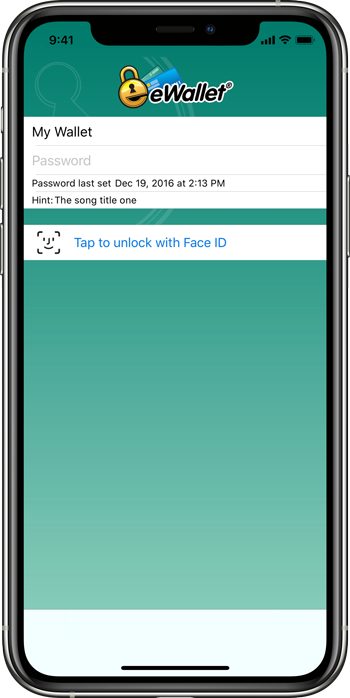
When you backup your information to Dropbox or Google Docs from eWallet GO! you’re backing up a fully encrypted file. This file features the power of 256-bit AES encryption. Even if someone managed to get this backup file, as long as you’ve chosen a strong password, it is effectively impossible for them to access your personal information stored in eWallet GO! And when we decrypt your data so you can view it, it all happens locally – we never, EVER send your password over the internet.

But how safe is safe?

But what does this “256-bit” stuff mean? In a great article on Wikipedia about what it would take to hack a file using 256-bit AES encryption, they offer the following:

A device that could check a billion billion (1018) AES keys per second (if such a device could ever be made) would in theory require about 3×1051 years to exhaust the 256-bit key space.

In other words, a really good password using 256-bit AES encryption is effectively unhackable by anything outside of science fiction. Humans will have constructed a Dyson Sphere around the sun and shed our mortal forms by the time someone can get to your data.

Good Passwords Required!

There is a caveat – the security is only as good as the password. First, we all know choosing a password another person could guess is a bad idea. We also know that we should never leave the password where someone else could find it, and we know that we should never pick a word that appears in the dictionary. We hear this advice time and again from security experts, and it’s true!

But what about a “brute force” attack, where a hacker uses a computer to guess the password by trying different combinations of letters, numbers, and symbols? In this case, the longer the password, the harder it becomes to crack. How hard? Let me give you a couple of examples:

An 8-digit password using all lowercase letters would take, in theory, around 3-6 years to hack with brute force.

An 8-digit password using a combination of lowercase, uppercase, numbers, and symbols would take, in theory, around 4000-8000 years to hack with brute force.

That’s right – if your password is f8#$mGQ! it could take 4-8 THOUSAND years to figure it out using an off-the shelf computer and the appropriate software.

And here’s the best part – length benefits are exponential! Add one more character – and now it might take 250-500 THOUSAND YEARS to hack your password.

At the end of the day, you don’t have to sacrifice convenience for security. With eWallet GO! you get all the benefits of cloud based storage and sharing while significantly reducing the risk.

Need help building a strong password? Visit www.passbuilder.com to generate super-strong passwords!

eWallet GO! now available for Mac OS X

May 3rd, 2011 by Julie

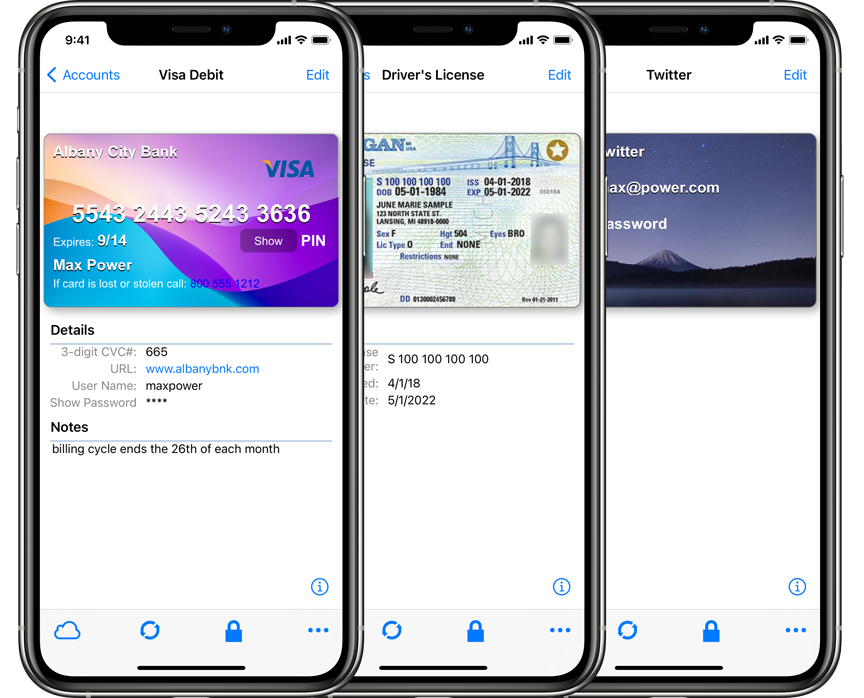
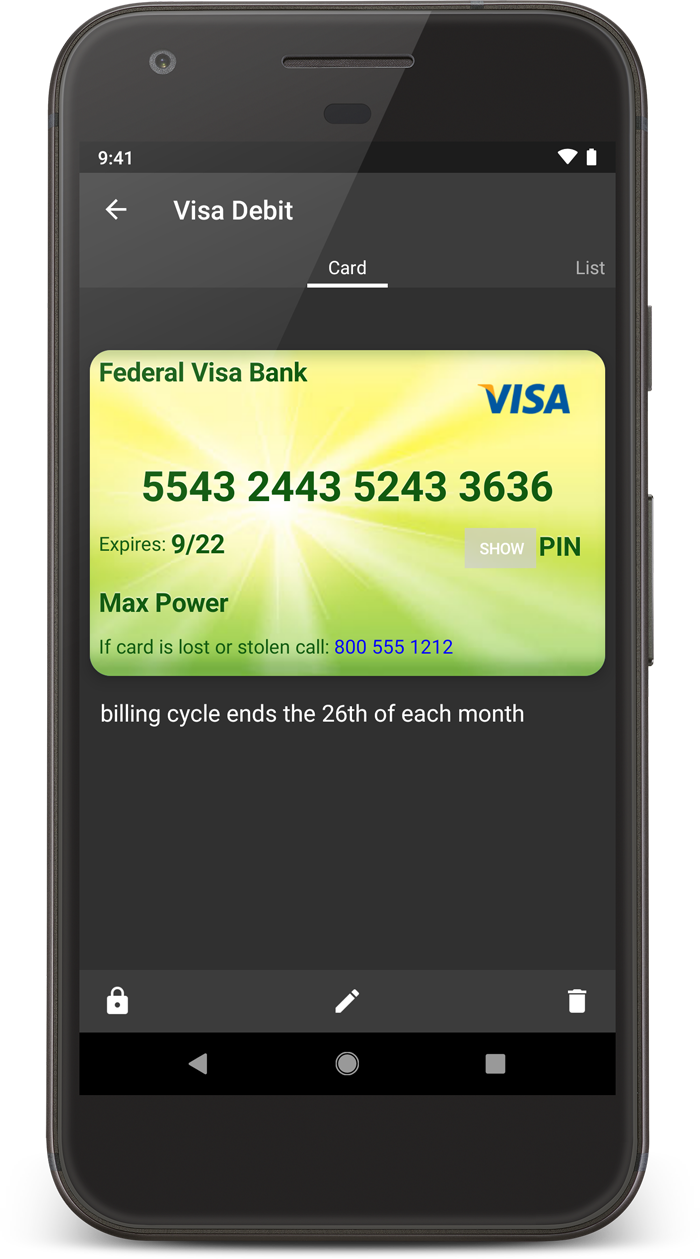
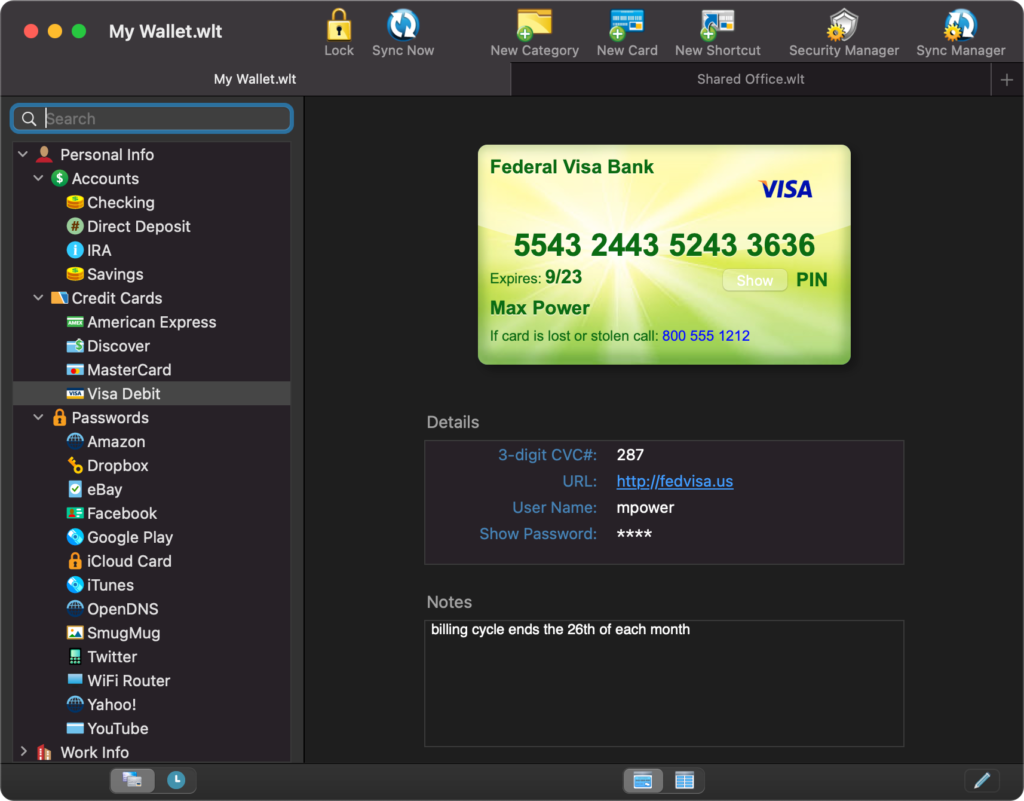
eWallet GO!Hot on the heels of last week’s eWallet GO! releases for Android and iOS, our popular new password app is available for another platform – Mac OS X. With this latest version, eWallet GO! now works on iPhone, iPod touch, Android, Windows Phone 7, Mac and Windows PC.

eWallet GO! is our streamlined, secure information manager that’s really easy to use and gives you a lot of flexibility working with your data. What does eWallet GO! have to offer? How about:

  • 256-bit AES encryption
  • Over 25 ready-to-use card templates
  • Over 45 card icons to choose from
  • Robust search function
  • Auto-lock when left idle
  • Amazingly easy-to-use

And eWallet GO! makes backing up and restoring a breeze with Google Docs and Dropbox. Just backup to the cloud and you won’t have to worry about losing your data after you enter it. You can easily restore your file to your Mac too, and if you own eWallet GO! on any of its available mobile platforms, you can use the backup and restore features to move your information back and forth, keeping it up-to-date wherever you are.

eWallet GO! is just $4.99 through the Mac App Store. More information, including screenshots and details on how to buy, are available on our site. If you’re a current eWallet 7 customer that wants to switch over to eWallet GO!, you can find out more here.

eWallet GO! for Android now available at Amazon

April 26th, 2011 by Julie

eWallet GO!eWallet GO!™ for Android is now available in the Amazon Appstore. We know that some of you prefer buying from Amazon, so we wanted to let you know! You can find it by searching for eWallet GO! in the Amazon Appstore on your Android device, or by clicking here.

And thanks to everyone who purchased eWallet GO! so far. The response to this great new app is really incredible. We’re so glad you like it and we really appreciate your support!

eWallet GO! now available for Android, iPhone and iPod touch

April 18th, 2011 by Julie

eWallet GO!We have some very exciting news for you today, in the form of not just one, but two, new platform releases for eWallet GO!™ That’s right – as of today eWallet GO! is now available for Android, iPhone and iPod touch devices, in addition to Windows Phone 7 and Windows PC.

eWallet GO! is our streamlined, secure information manager that’s really easy to use and gives you a lot of flexibility working with your data. eWallet GO! has the features you need at a price that can’t be beat, including:

  • 256-bit AES encryption
  • Over 25 ready-to-use card templates
  • Over 45 card icons to choose from
  • Robust search function
  • Auto-lock when left idle
  • Large type font option
  • Amazingly easy-to-use

And eWallet GO! makes backing up and restoring a breeze with Google Docs and Dropbox. Just backup to the cloud and you won’t have to worry about losing your data after you enter it. Restoring  is a snap too – and not only can you restore a changed file to your phone, but if you also own eWallet GO! for Windows, you can keep your info up-to-date and available no matter where you are.

eWallet GO! is just $4.99 on any of its available platforms. More information, including screenshots and details on how to buy, are available on our site. If you’re a current eWallet 7 customer that wants to switch over to eWallet GO!, you can find out more here.

Just updated: eWallet for Mac

March 18th, 2011 by Julie

Happy Friday everyone! We just released an update to eWallet® for Mac OS X and I wanted to spread the word.

What’s new in this update? We’ve made improvements to fix a couple issues. If you’ve been waiting for the improved interface for editing Note Cards, then this update is for you! We also fixed the problem with the Date Field display in certain time zones.

If you already own eWallet for Mac, this is a free update. It’s available on our site and through the iTunes Mac App Store. If you’re new to eWallet and interested in eWallet for Mac, you can find out more right here.

Be sure to stay tuned to our blog – we’ve got some exciting projects under way and we’ll be posting our announcements here as soon as we can!

eWallet 7.2 for Windows is now available!

February 15th, 2011 by Julie

We just released eWallet® 7.2 and it’s got some great new features. The big news is that we’ve added Chrome to the list of browsers supported by AutoPass. And that’s just the beginning! For this update we pulled out our list of “frustrating little things” you’ve emailed us about, and we started checking them off!

Check out the list:

  • AutoPass support for Chrome
  • AutoPass support for Firefox 4 Beta
  • Right-click context menus for the search results list
  • Added hot keys
  • Long text truncated with ellipses instead of being cut off
  • Improved method for handling duplicate card names
  • Hover over action displays truncated text as a tool tip
  • Improved Home Ribbon layout
  • Improved card list appearance
  • Android sync improvements
  • BlackBerry sync improvements
  • iPhone sync improvements
  • Corrected minor card display issues
  • Allow ampersand in search
  • A bunch of minor bug fixes!

It’s a great update that makes eWallet on your Windows PC even easier to use! We really think you’ll like the polish we’ve added! Get all the info about eWallet here on our site.

And for Mac users, stay tuned. We’re working on eWallet for Mac 7.1.5. Hopefully we’ll have that ready in the next few weeks.

eWallet GO! for Windows Is Out!

February 8th, 2011 by Julie

We’re very excited to announced that eWallet GO! for Windows PC is now available for just $4.99 through our online store. As you may know, eWallet GO!™ is the newest member of the Ilium Software application family. eWallet GO! is the fastest and easiest way to safely carry all of your most important information with you and to have it at your fingertips whenever you need it. It includes 29 flexible templates, the ability to organize cards by category, backup to Google Docs or Dropbox, and the same 256-bit AES FIPS encryption used in eWallet 7.

If you’re using eWallet GO! for Windows Phone 7, you can easily restore your backed up Windows Phone 7 eWallet GO! data to eWallet GO! on the Windows PC (and the other way around as well). It’s a great way to have access to your most important information no matter where you are. And if you’re a current eWallet 7 customer that wants to switch over to eWallet GO!, you can find out more about how you can do that here.

As I said, we’re really excited about eWallet GO! It’s a great solution for people who want the security and reliability of eWallet, but don’t need eWallet 7’s robust feature set.

And for eWallet 7 customers, we’ve got some exciting things planned for you guys this year as well, including eWallet 7.2 for Windows PC which we’ll release later this week. It includes a number of popular requests that we think you guys will like!

eWallet GO! for Windows Phone 7

January 5th, 2011 by Julie

We’re very excited to announce the release of eWallet GO!™ for Windows Phone 7. eWallet GO! is a streamlined, stand-alone secure information manager. It allows you to safely store your important information on your Windows Phone 7 device and to backup or restore your information using Google Docs or Dropbox.

eWallet GO! makes it extremely easy to store and access your most important information, and with the power of eWallet’s 256-bit AES encryption, you’ll know that the information you put in eWallet GO! is extremely safe! At just $4.99, it’s an incredible value.

You can get eWallet GO! today through the Windows Phone Marketplace on your Windows Phone 7 device or visit this page to find out more.

Existing users with questions about eWallet GO! can find out more here.

‘Tis the season…for making lots of lists

November 16th, 2010 by Julie

The holidays are almost here! That means celebrating with friends and family, lots of yummy food, and sharing gifts. But we all know the holiday season also means stress – packed shopping malls, last-minute phone calls to figure out who’s getting Aunt Ida from the airport, repeat trips to the grocery store where you break the record for how many times one person can forget to buy the gravy … the list goes on.

And that’s why ListPro® is so very handy – you can make lists of absolutely anything you want to track for the holidays, put those lists on your device, and have them ready right when you need them. No more forgetting your husband’s sweater size, or which Lego set your nephew wanted, when you’re buying gifts. No more mishaps with planning the big family get-together. And when you’re buying the food – you’ll only have to make one trip, and you’ll definitely remember the gravy!

What else makes ListPro great for the holidays? Read on for more details and ideas… Read the rest of this entry »

eWallet for Mac Update

November 15th, 2010 by Julie

An update to eWallet® for Mac is now available for download. This update includes a new “Launch View” that makes it easier than ever to find and open your wallets. It also includes a number of minor fixes and tweaks designed to make using eWallet on Mac even easier.

If you already own eWallet for Mac, you can download the latest version here. If you don’t own eWallet for Mac yet, go here to find out more about how you can get it today!