eWallet 8.1 for Android now available
by Ken
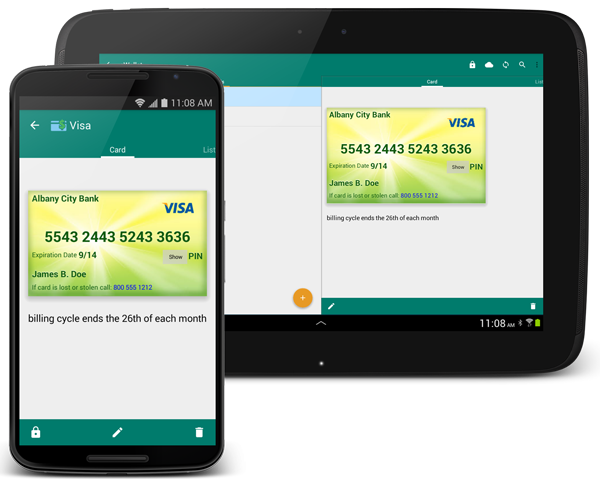
We’re very pleased to announce that eWallet® 8.1 for Android OS is now available in the Google Play and Amazon app stores.
On the heels of the eWallet for iOS update, the new 8.1 update focuses on fully supporting the new permissions system in Android OS 6.0. The 6.0 permission system makes it possible for users to allow or revoke individual permissions when the product is running, rather than the old model of having to accept all the permissions when you installed the product. You know the saying, “with great power comes great responsibility” and the same applies here — you can revoke permissions on an app, but then it may not be able to do everything you would like. For eWallet, the main area of permissions is around being able to save backups and import information into a wallet.
We added several other “behind the scenes” features and fixes including the live search that now includes the title of the card (it was previously searching all the card data but not the title) and some improvements to the way images are handled.
We want to again thank our Android beta testing team who have been testing features and fixes and giving us great feedback. If you’re interested in participating in a future beta, or have any questions or comments about the release, please contact us!
eWallet 8.1 for Android runs on Android OS 4.0.3 to 6.0 including both phones and tablets. This upgrade is free for all users who already own a license of eWallet version 7 or 8 for Android. If you purchased a copy from Google Play or Amazon using their app stores, then you’ll be able to use the Update feature in the respective store to get the new version. Get all the info about eWallet here on our site.
eWallet and SyncPro are registered trademarks of Ilium Software, Inc.
Share this article:
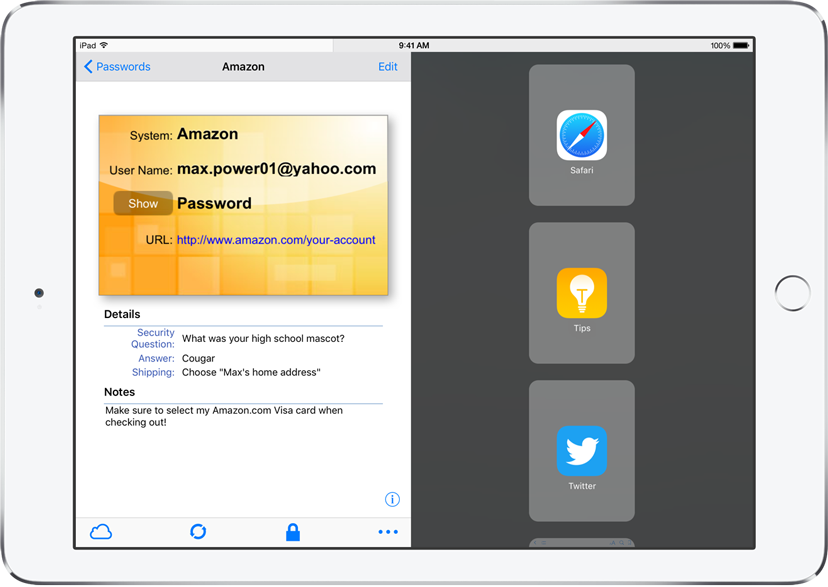
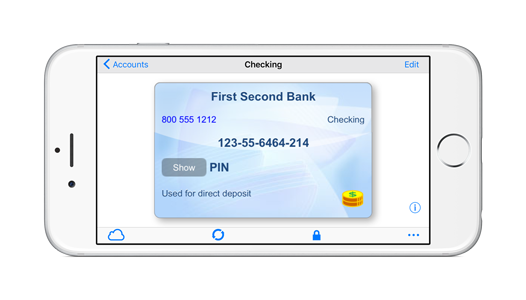
 eWallet® 8.2 for iOS (iPad, iPhone and iPod touch) is now in the App Store. The app has been completely updated to further support iOS 9, especially in the area of multitasking on the iPad (and the new iPad Pro). There are several other improvements including landscape support on iPhones as well as enhancements to Touch ID.