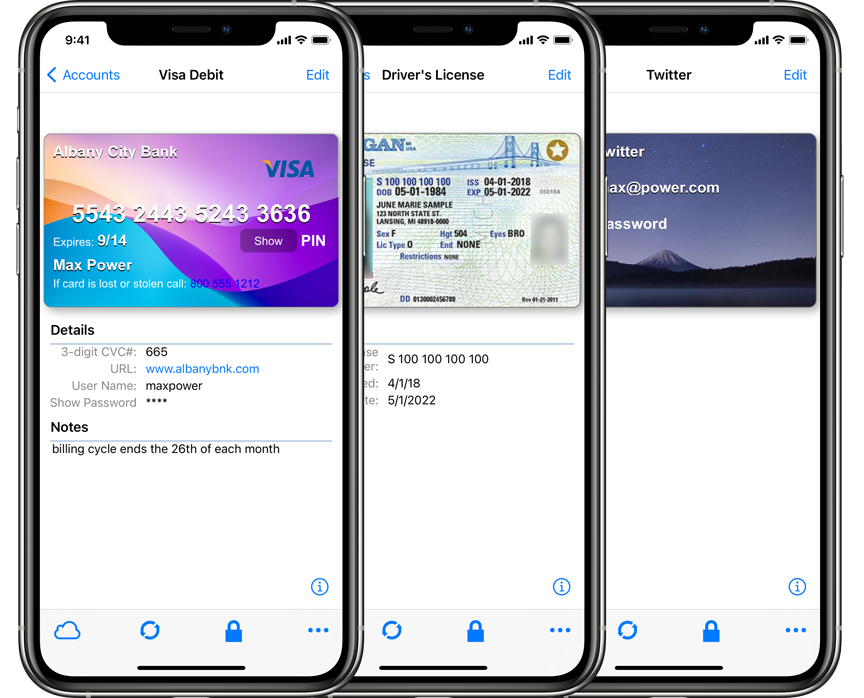
The new eWallet® 8.14 release for iPhone & iPad adds additional support for iOS and iPadOS 26.
iOS / iPadOS 26
The major changes in this release add additional support for version 26 of Apple’s iOS and iPadOS. This means the controls in eWallet get the new glass effects on both iPhone and iPad. In addition, the iPad version has been updated to support flexible window sizes as well as menus. And last but not least, the application icon has been updated per Apple’s guidelines for a better appearance, especially on the new OS versions.
Other changes
Several other things were enhanced or fixed in this release as well. The Use Large Font setting now applies to edit mode as well, so editing cards should be a bit easier on the eyes if you use that feature. We also fixed an issue some users reported with recent versions of iOS and iPadOS when using a Japanese or Chinese keyboard. Several other more minor miscellaneous changes were made as well to round out the release.
Contact Us
As always, if you have any questions about these updates, or have other suggestions, please do contact us!
The new eWallet® 8.13 release for iPhone & iPad adds a Password Reset option and the ability to print cards.
Emergency Password Reset
eWallet now provides the ability to reset your wallet’s password if you have forgotten it. Normally, knowing the wallet password is essential for using eWallet. But if you rely on facial recognition or fingerprint scanning to unlock your wallet, you don’t need to enter your password everyday. You may find that after a while you can’t remember what your password is. If facial recognition or fingerprint scanning suddenly stops working due to device system security, which can potentially happen quite frequently, you would then be unable to access the passwords and other important information in your wallet. If that happens, you can now use eWallet’s Emergency Password Reset to gain access to your wallet again.
However, you can only do a Password Reset if you have prepared ahead of time by printing or writing down the Emergency Password Reset Key information. eWallet now provides the ability to generate this information and store it in a card in your wallet. You can then print the card or write down the key information and store it in a safe location where you will be able to find it later. If you find yourself in a situation where you need to reset the password, you can then locate the key information and use it to perform the password reset.
Typically, you would keep this reset information with other important papers, such as your will or the title to your vehicle. In the event that something happens to you and someone else (such as a spouse or relative) needs to have access to your passwords, this reset information would also allow them to reset your password and gain access to your wallet.
Preparing for an Emergency Password Reset is important enough that we recommend you do it soon after you have upgraded to eWallet 8.13. This feature is only available now on iPhone or iPad, but will be coming to the other platforms in the future. For more information about Emergency Password Reset, you can read the support article in our knowledge base.
Printing Cards
Printing your cards has previously been possible on Windows or macOS. Now eWallet provides the ability to print your cards from the iPhone or iPad as well. You should be able to print to any printer on your Wi-Fi network that supports Apple’s AirPrint. You can choose to print the current card, or all cards in the current category, or all cards in the entire wallet.
Contact Us
As always, if you have any questions about these updates, or have other suggestions, please do contact us!
eWallet® offers multiple options to sync your data securely across devices and computers. In the past, if you choose to sync via the cloud, you were limited to either Apple’s iCloud (for an all Apple scenario) or Dropbox. eWallet 8.11 now offers two major new options for cloud services: Google Drive and Microsoft OneDrive. Configure eWallet once and then sync is pretty much automatic going forward.
As with iCloud and Dropbox, everything is included with eWallet so there is no requirement to install Google Drive or OneDrive software. See our Sync information by platform article for a complete list of sync options.
More password generation options
Previous versions of the password generator would treat the selected Allowed Characters, A-Z, a-z, 0-9, etc., as potential candidates for a password but wouldn’t require them. With the previous versions it was possible, due to randomness, to generate a password that didn’t include a number, even though numbers were selected. Now when you select no memory aid and a password length of at least 8, your password will include at least one of each of the characters in the Allowed Characters you selected.
With features like AutoPass and the ability to copy/paste, you don’t often need to see your passwords to use them. In the cases where you do need to read your password, even with a good font certain characters can be hard to distinguish from each other (think zero and the letter O). If you find particular characters hard to distinguish (e.g., the number one from a lowercase L), then you can exclude those characters from the pool of Allowed Characters.
Contact Us
As always, if you have any questions about these updates, or have other suggestions, please do contact us!
eWallet 8.11 for macOS runs on macOS 10.13 or later, (includes High Sierra, Mojave, Catalina, Big Sur, Monterey, and Ventura). The latest version is available via the Mac App Store. Get all the info about eWallet for macOS (including access to a 30-day trial version) here on our site.
eWallet 8.11 for Windows (desktop) runs on Windows 10 and 11 PCs and tablets as a desktop app, Windows 8.1 in Desktop mode, and all versions of Windows 7 (sp1+). Get all the info about eWallet for Windows (including access to a 30-day trial version) here on our site.
eWallet is a registered trademark of Ilium Software, Inc.
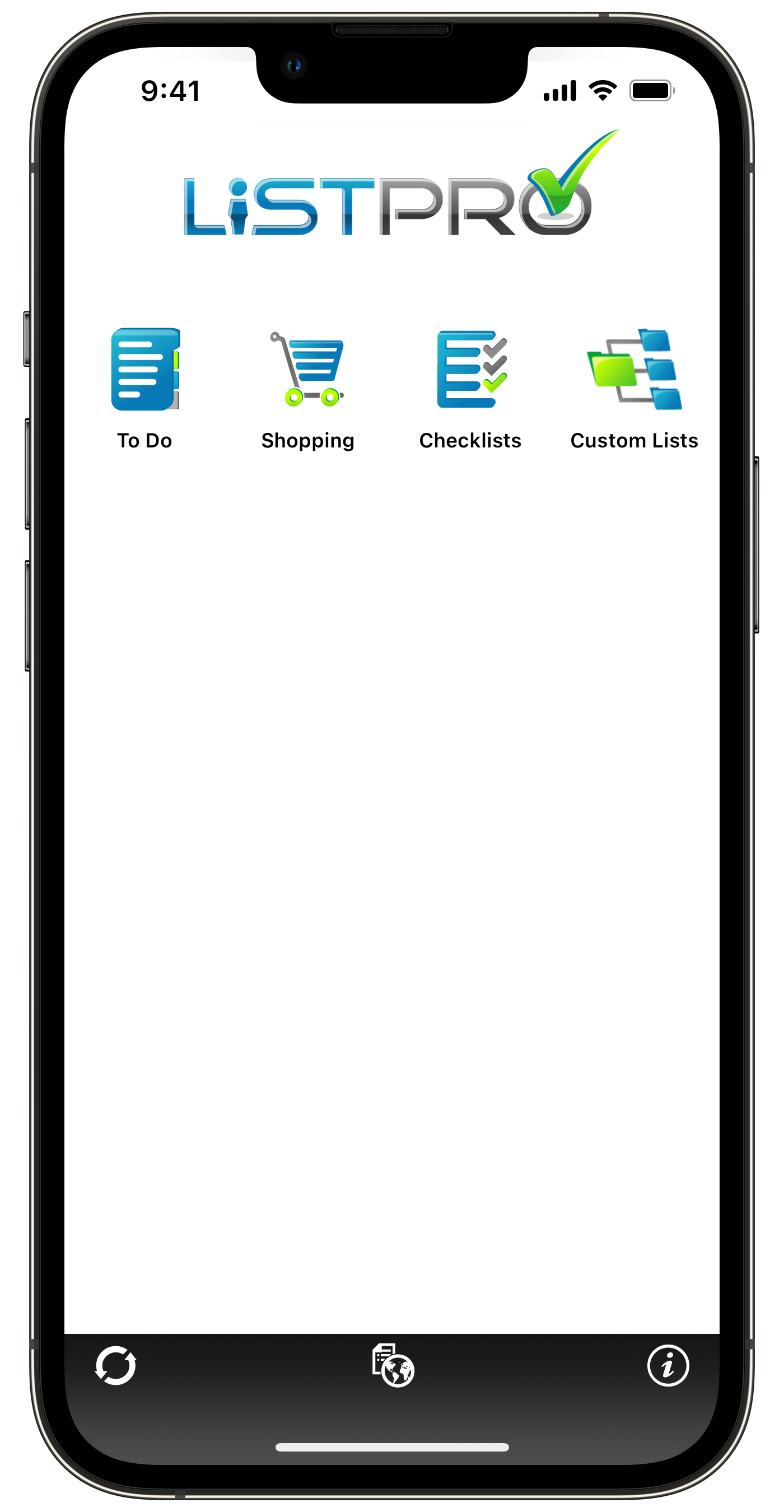
The latest ListPro® update, with support for iOS 15.5, is now available on iPhone.
Quick note
Just a quick note to let you know about the changes in the latest version of ListPro. Many of them were behind-the scenes infrastructure type changes, but there are some clearly visible updates as well. The biggest noticeable area is better support for iOS 15 (including 15.5). As one example, buttons in toolbars should be much easier to see with this update. We made some improvements to landscape as well, taking advantage of the additional screen width.
Finally, ListPro now remembers where you were scrolled in a list when the app starts. This is really handy if you’re in the middle of a long list and come back to ListPro later — you’ll be right where you left off.
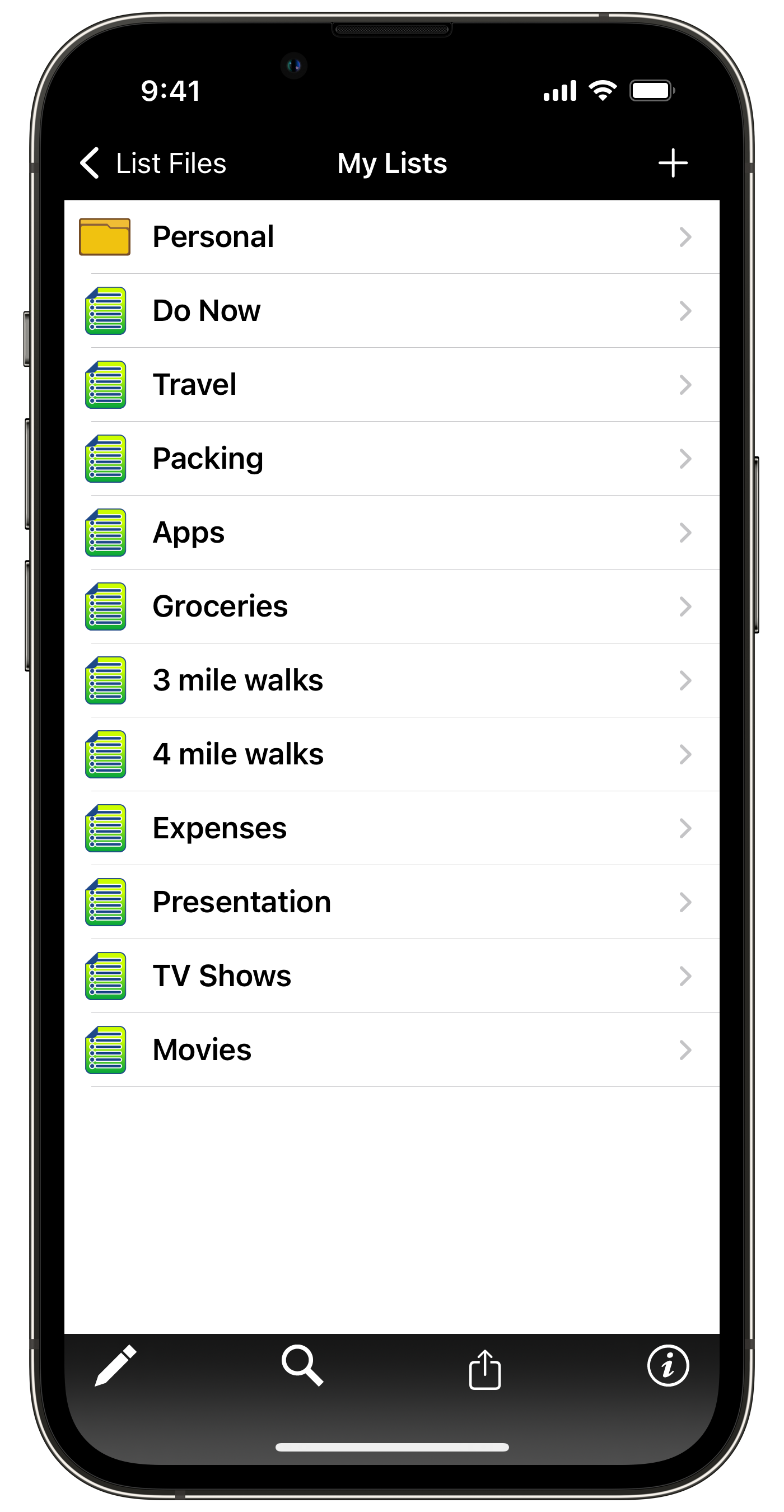
Easily create different lists
So many lists!
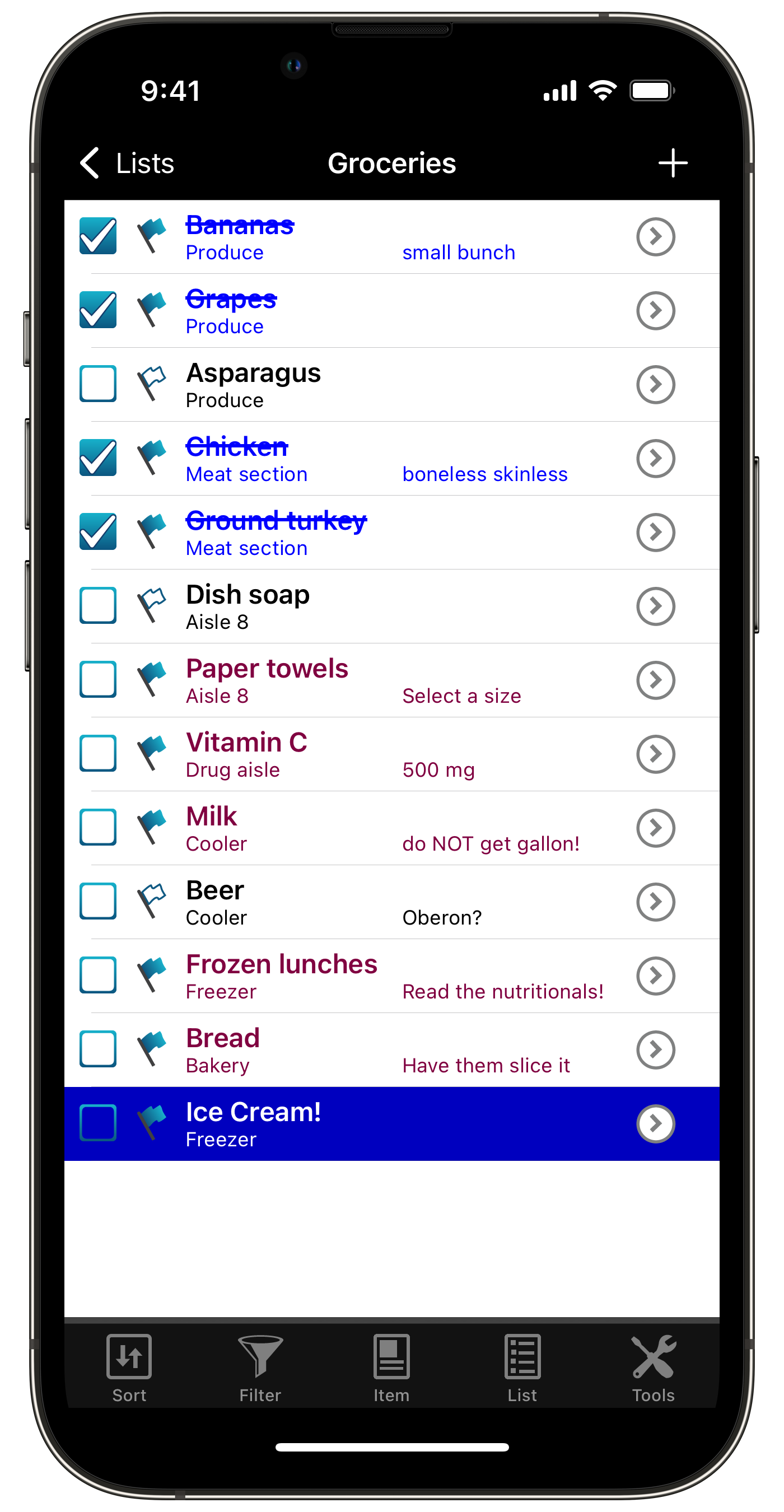
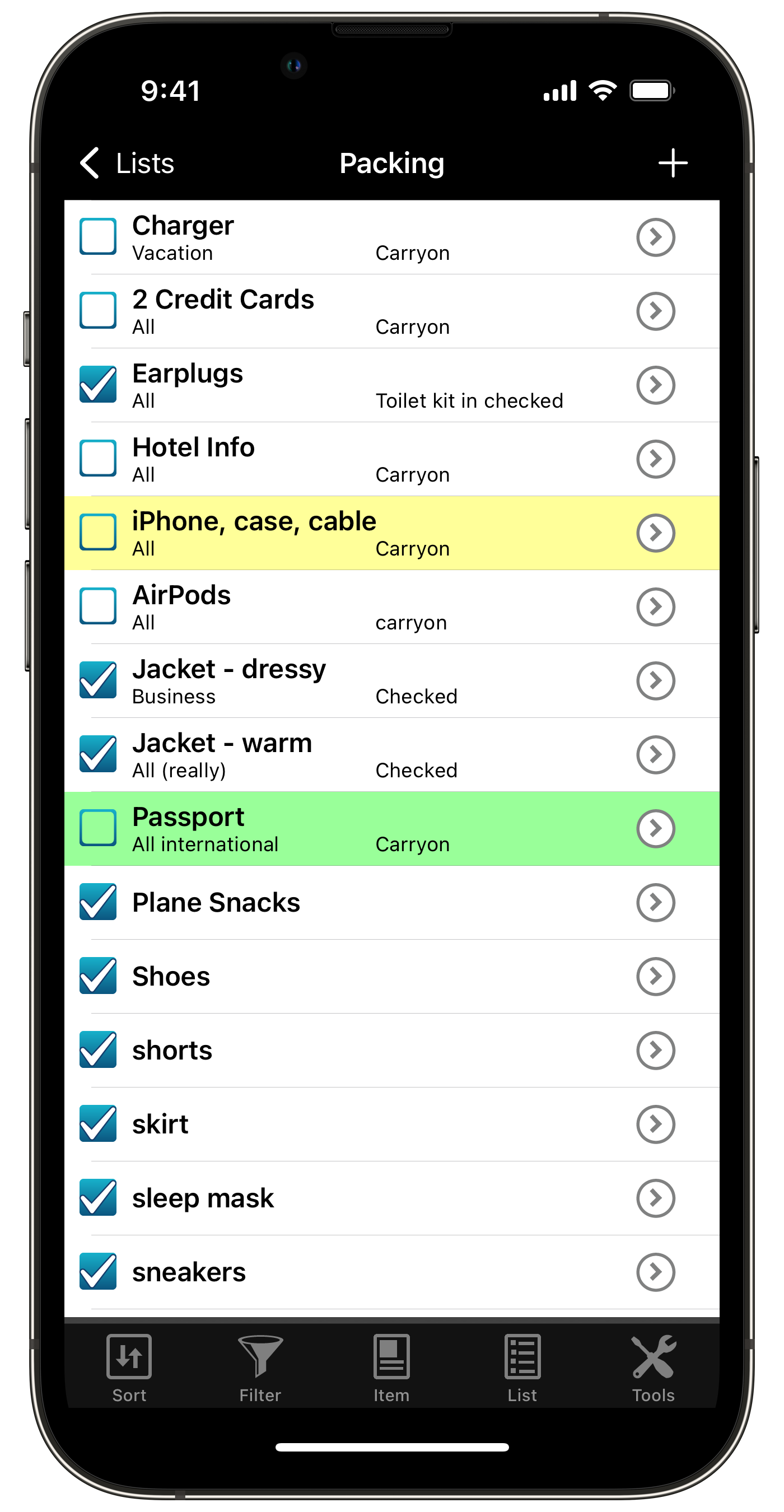
Reusable grocery list
Reusable packing list
Contact Us
As always, if you have any questions about these updates, or have other suggestions, please do contact us!
The latest eWallet® updates, with support for thousands of card icons are now available on Android, iPhone and iPad, Mac, and Windows PC (see below for platform details).
Emoji image
We want more card icons!
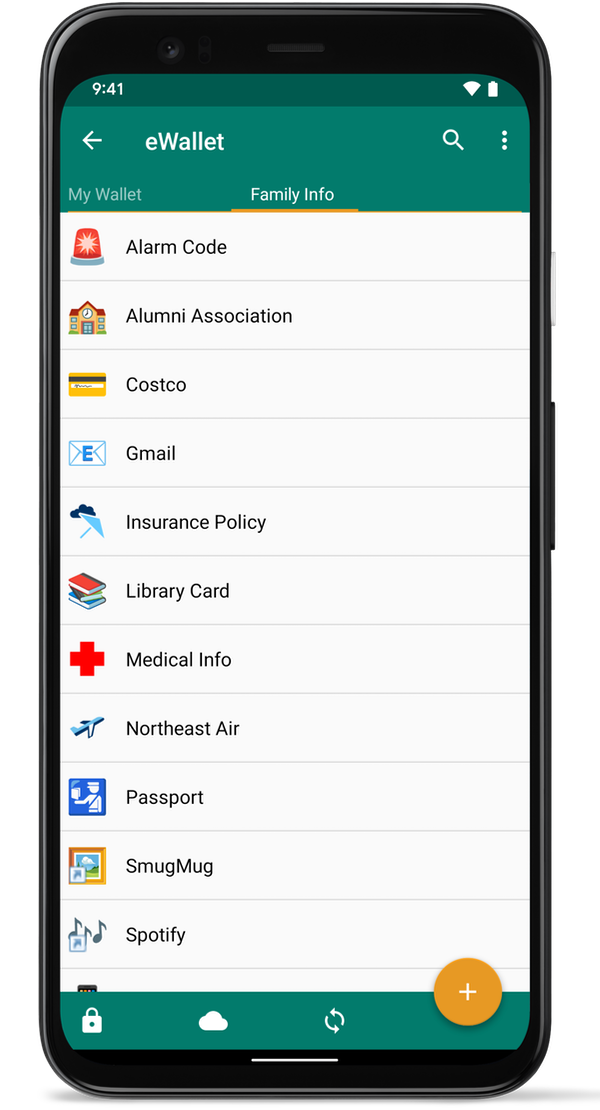
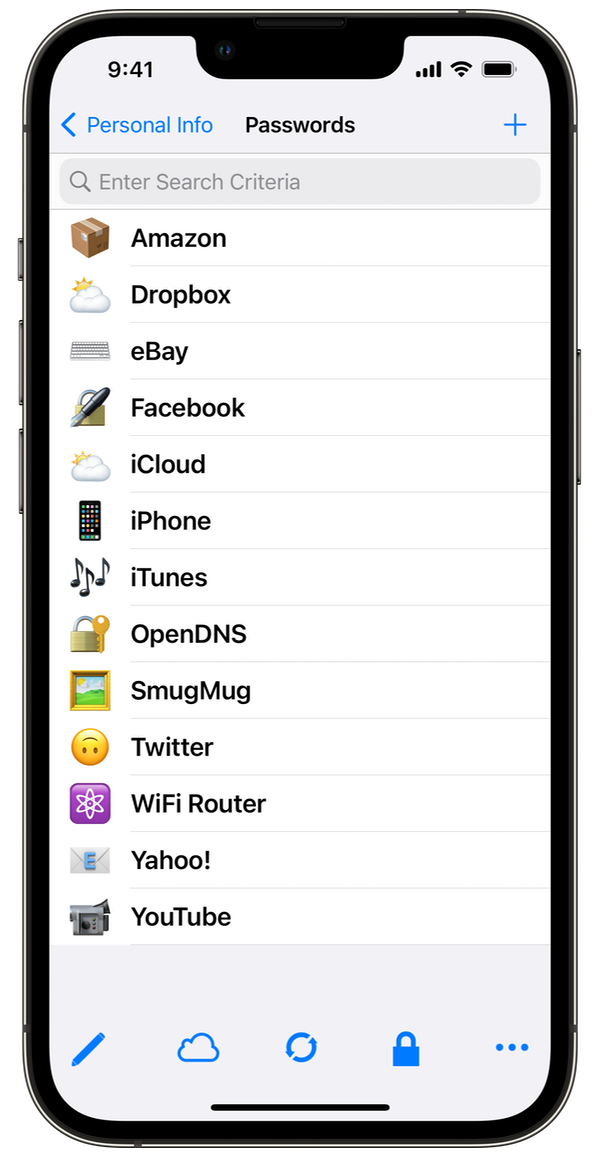
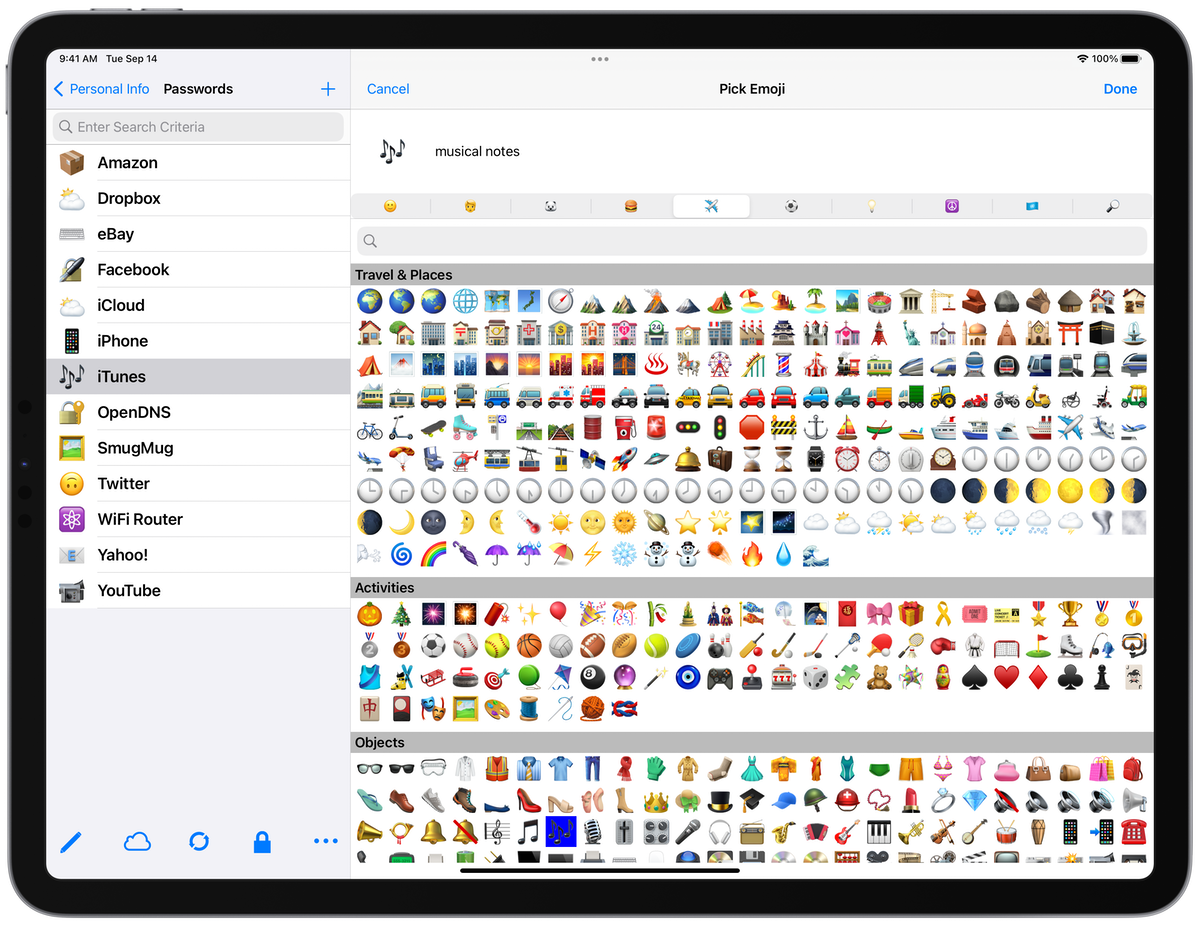
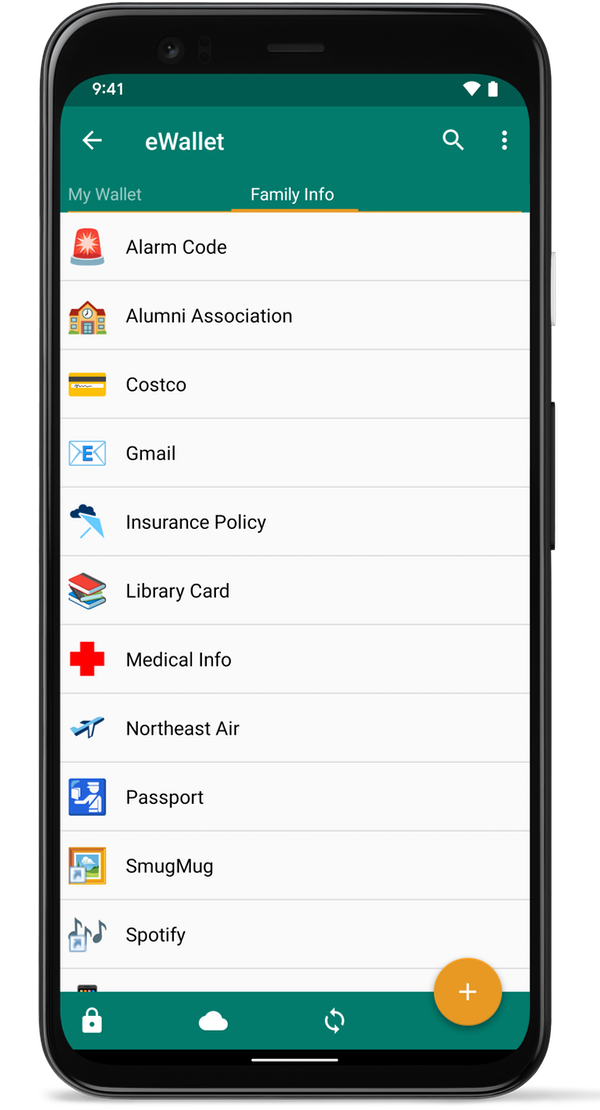
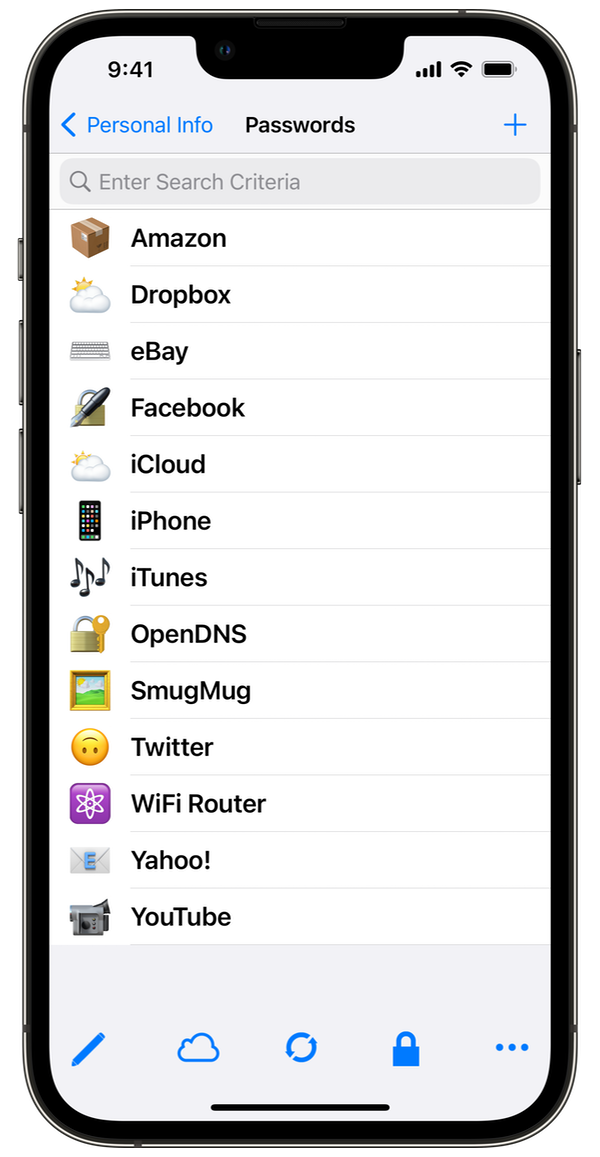
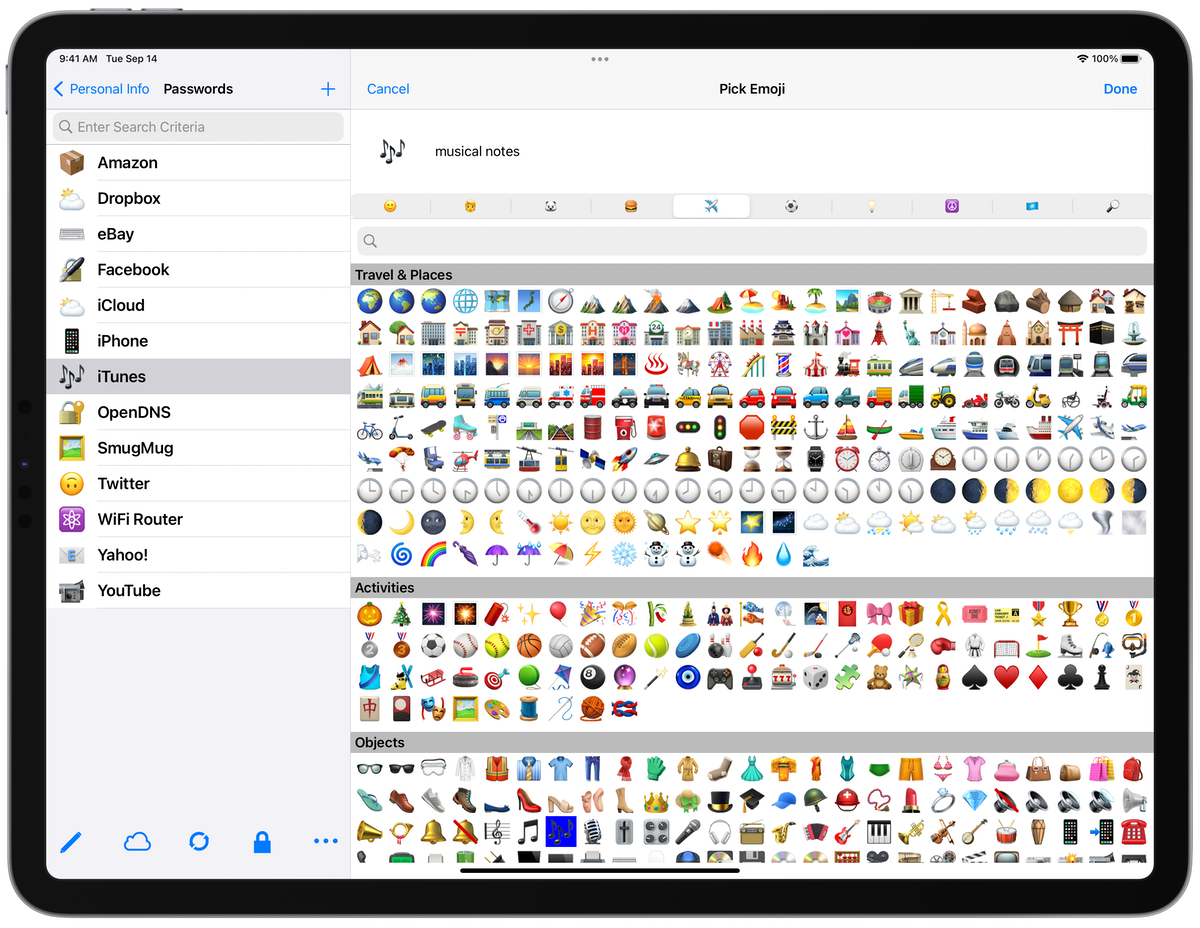
eWallet users have told us they really like to customize the look of their cards, and one way to easily do that is with the icon that can be displayed in the card’s corner. This same icon shows up in your list of cards and categories too, making spotting your card quick work. eWallet has more nearly 50 built-in icons to choose from but sometimes that’s simply not enough. Then we thought, what about using Emoji as icons? There are thousands of them on almost every platform; many more in addition to the smileys we usually think of. People, Animals, Food, Travel, Activities/Sports and so many more. There are over 3,000 emoji you can choose from to customize your cards. You can even search to find the emoji that best fits your particular card and eWallet will size it and place it, just like the built-in icons.
eWallet for Android
eWallet for iPhone
eWallet for iPad
eWallet for Android
eWallet for iPhone
eWallet for iPad
Small, fast, lean
One of the really nice advantages of using Emoji as card icons is that they are already on your device or computer, so your wallet doesn’t get large with tons of extra graphics and the eWallet app stays lean and mean too. For even further customization, change the card and text color, or add a full-card background graphic (Unsplash has some really nice images).
So what else do the releases have? Well each release also got a platform-specific list of enhancements and fixes to better support the latest versions of their host OS and respond to some popular requests. For example, eWallet for Android has additional support for Android OS 12, new export options and an update to the Wallet Info panel, to name just a few.
Contact Us
As always, if you have any questions about these updates, or have other suggestions, please do contact us!
About these releases
eWallet 8.7 for Android runs on Android OS 8.0 to 12.x including both phones and tablets. The latest version is available from Google Play or the Amazon AppStore. The emoji as icons feature requires Android 8+ if purchased from Google Play, and Android 11+ if purchased from the Amazon Appstore. Get all the info about eWallet for Android here on our site.
eWallet 8.6 for macOS runs on macOS 10.13 or later, (includes High Sierra, Mojave, Catalina, Big Sur and Monterey). The emoji as icons feature requires macOS 11+. Get all the info about eWallet for macOS (including access to a 30-day trial version) here on our site.
eWallet 8.6 for Windows PC (desktop) runs on Windows 10 and 11 PCs and tablets as a desktop app, Windows 8.1 in Desktop mode, and all versions of Windows 7 (sp1+). The emoji as icons feature requires Windows 10+. Get all the info about eWallet for Windows (including access to a 30-day trial version) here on our site.
eWallet is a registered trademark of Ilium Software, Inc.
eWallet® 8.6 for iOS* (iPhone, iPad and iPod touch) is now in the App Store. The update adds several user-requested features regarding customizing cards.
What’s New in this version
Added new Standard card style setting on cards to improve how card background images look when used in eWallet on multiple platforms
You can now import pictures directly from Files (in addition to the Camera and Photo Library) when adding card backgrounds or picture cards
eWallet now uses a monospaced, serifed font for hidden fields to better distinguish certain characters
Sensitive information copied to the clipboard is now cleared after a user configurable period of time (iOS 10+)
Improved support for camera permission
Built-in password generator will now create random passwords up to 100 characters
Other miscellaneous fixes and enhancements
Card backgrounds
eWallet makes it easy to add information to its cards and it is only a couple of taps or clicks to change the card background color and icon on the card. Some people go a step further and add custom backgrounds to the card, either as a logo, a way to differentiate the card, or an actual photo of a real card. One of the things that’s traditionally been a bit tricky about backgrounds has been getting them to look the same across eWallet platforms where the screen sizes can be significantly different.
eWallet 8.6 makes this easier with the new Standard card type that scales the background proportionally across device types. For images larger than the card, you can decide if you want the image to scale to fill the card or rather to fit within the card. Along with the background image updates, eWallet also improves handling changing camera permissions and can now also get images from Files directly.
Passwords
Another widely requested feature was to use a font for passwords and other hidden fields that could help distinguish characters that can look alike in other fonts — for example, capital i and lower case L. With eWallet’s AutoPass feature and built-in AutoFill support you often don’t even need to see the password, but in cases where you do, reading the characters should be much easier. Speaking of passwords, eWallet’s built-in password generator can now create random passwords up to 100 characters in length.
Contact Us
As always, if you have any questions about these updates, or have other suggestions, please do contact us!
eWallet 8.6 for iOS runs on iOS 9 and up, including iOS 14 and iPadOS 14. eWallet is optimized for iPad Air and iPad Pro, iPhone 5, 6, 6 Plus, 6s, 6s Plus, SE, 7, 7 Plus, 8, 8 Plus, iPhone X, iPhone XR, iPhone XS, iPhone XS Max, iPhone 11, iPhone 11 Pro, iPhone 11 Pro Max, iPhone 12, iPhone 12 mini, iPhone 12 Pro, and iPhone 12 Pro Max. The latest version is available via the on-device App Store. Get all the info about eWallet for iOS here on our site.





 eWallet for Android
 eWallet for iPhone
 eWallet for iPad