The new eWallet® 8.14 release for macOS adds additional support for macOS Tahoe 26.
macOS Tahoe 26
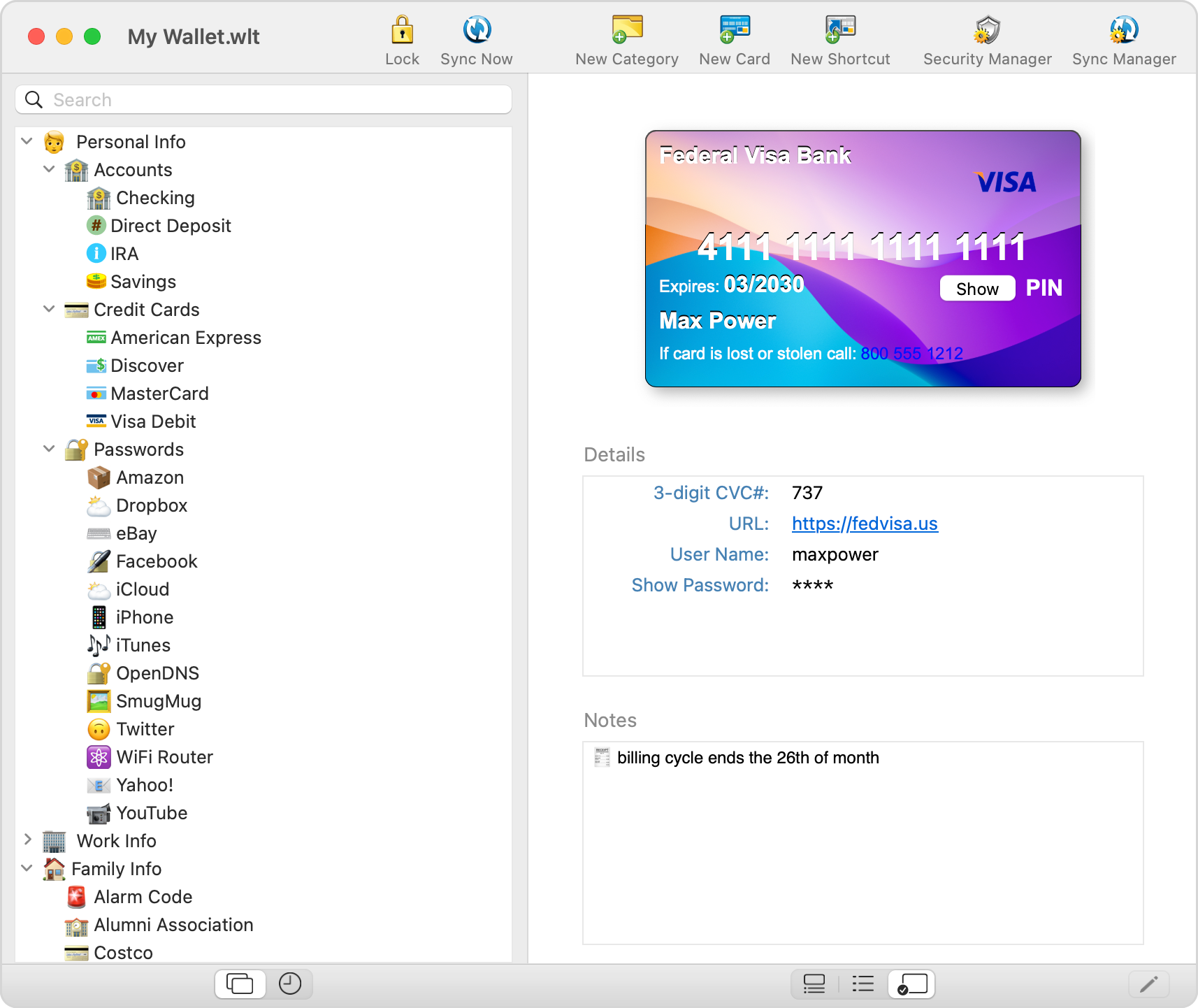
The significant visual change in this release is the additional support for Apple’s macOS Tahoe 26. A transparent menubar, liquid glass controls, updated toolbars, and other elements are all designed by Apple to draw more focus on your content. And eWallet’s app icon has been updated as well, so if you’ve select Dark, Clear, or Tinted for the Icon & widget style, eWallet’s icon will adapt to the look you’ve chosen.
Other changes
Google’s Chrome browser made a change in version 142.0 that affected some browser extensions, including AutoPass for some users. If you’re using AutoPass with Chrome (this is not an issue with Safari), and you get stuck on the Redirecting page, AutoPass will now guide you to a simple and easy resolution.
And of course all the other features including a built-in password generator, an optional Emergency Password Reset card, Touch ID and syncing to eWallet on other platforms, just to name a few, are all included.
Contact Us
As always, if you have any questions about these updates, or have other suggestions, please do contact us!
About this release
eWallet 8.14 for macOS runs on macOS 11 or later, (Big Sur, Monterey, Ventura, Sonoma, Sequoia, and Tahoe). The latest version is available via the Mac App Store. Get all the info about eWallet for macOS (including access to a 30-day trial version) here on our site.
eWallet is a registered trademark of Ilium Software, Inc.
This new eWallet® 8.12 release for macOS is packed with a host of new features and improvements.
Revamped Editing Experience
Farewell to the Drawer: Enter the Properties Panel
The once-familiar Properties Drawer for editing cards has now gracefully stepped aside to make room for the new Properties Panel. This panel, which can be moved independently of the main eWallet window, offers a more intuitive and flexible editing experience. It aligns with Apple’s latest design guidelines, ensuring a seamless integration with the macOS ecosystem.
Quick Action Buttons for Swift Editing
Adding new cards is now a breeze with the introduction of quick action buttons in the editor. These buttons cater to the need for speed, allowing users to pick from frequently used usernames, generate passwords instantly, and easily manage dates. The emphasis is on streamlining the editing process, making eWallet 8.12 a time-saving ally in your digital endeavors.
Customization and Viewing Options
Tailored Grid Views for Every Card
With eWallet 8.12, you have the power to set the Grid view option for each card individually. The flexibility extends further with a third type of card view that displays the configured view. This level of customization ensures that your digital wallet reflects your preferences and priorities, offering a personalized experience.
Wallet-Wide Card Options
Not all cards are created equal, and eWallet 8.12 recognizes this fact. The ability to set wallet-wide card options empowers users to manage their cards globally, ensuring consistency and coherence in their digital wallet. It’s a feature that speaks to the diverse needs of users who demand control and customization.
Enhanced Backup and Restore Functionality
Tailored Backups at Your Fingertips
eWallet for macOS has long had a feature where it saves local copies of your wallet that come in handy for restoring an accidentally deleted wallet, or going back to an older version of your wallet to retrieve important information. This new update lets you easily get to the container the wallet files are stored in and also lets you set the number of internal copies made. (As always, these backups are internal, local copies that are deleted when the app is deleted and are not a substitute for good off-device backups.)
Bug Fixes and Microsoft OneDrive Integration
Resolving OneDrive Token Issues
For users leveraging Microsoft OneDrive, eWallet 8.12 brings relief by addressing and fixing issues related to updating OneDrive tokens. This ensures a seamless and secure integration with OneDrive, eliminating any potential disruptions in the syncing process due to outdated tokens.
Tackling File Name Challenges
An additional fix in this update addresses problems associated with certain non-alphabetical characters in the wallet file name.
Contact Us
As always, if you have any questions about these updates, or have other suggestions, please do contact us!
eWallet 8.12 for macOS runs on macOS 10.13 or later, (includes High Sierra, Mojave, Catalina, Big Sur, Monterey, Ventura, and Sonoma). The latest version is available via the Mac App Store. Get all the info about eWallet for macOS (including access to a 30-day trial version) here on our site.
eWallet is a registered trademark of Ilium Software, Inc.
eWallet® offers multiple options to sync your data securely across devices and computers. In the past, if you choose to sync via the cloud, you were limited to either Apple’s iCloud (for an all Apple scenario) or Dropbox. eWallet 8.11 now offers two major new options for cloud services: Google Drive and Microsoft OneDrive. Configure eWallet once and then sync is pretty much automatic going forward.
As with iCloud and Dropbox, everything is included with eWallet so there is no requirement to install Google Drive or OneDrive software. See our Sync information by platform article for a complete list of sync options.
More password generation options
Previous versions of the password generator would treat the selected Allowed Characters, A-Z, a-z, 0-9, etc., as potential candidates for a password but wouldn’t require them. With the previous versions it was possible, due to randomness, to generate a password that didn’t include a number, even though numbers were selected. Now when you select no memory aid and a password length of at least 8, your password will include at least one of each of the characters in the Allowed Characters you selected.
With features like AutoPass and the ability to copy/paste, you don’t often need to see your passwords to use them. In the cases where you do need to read your password, even with a good font certain characters can be hard to distinguish from each other (think zero and the letter O). If you find particular characters hard to distinguish (e.g., the number one from a lowercase L), then you can exclude those characters from the pool of Allowed Characters.
Contact Us
As always, if you have any questions about these updates, or have other suggestions, please do contact us!
eWallet 8.11 for macOS runs on macOS 10.13 or later, (includes High Sierra, Mojave, Catalina, Big Sur, Monterey, and Ventura). The latest version is available via the Mac App Store. Get all the info about eWallet for macOS (including access to a 30-day trial version) here on our site.
eWallet 8.11 for Windows (desktop) runs on Windows 10 and 11 PCs and tablets as a desktop app, Windows 8.1 in Desktop mode, and all versions of Windows 7 (sp1+). Get all the info about eWallet for Windows (including access to a 30-day trial version) here on our site.
eWallet is a registered trademark of Ilium Software, Inc.
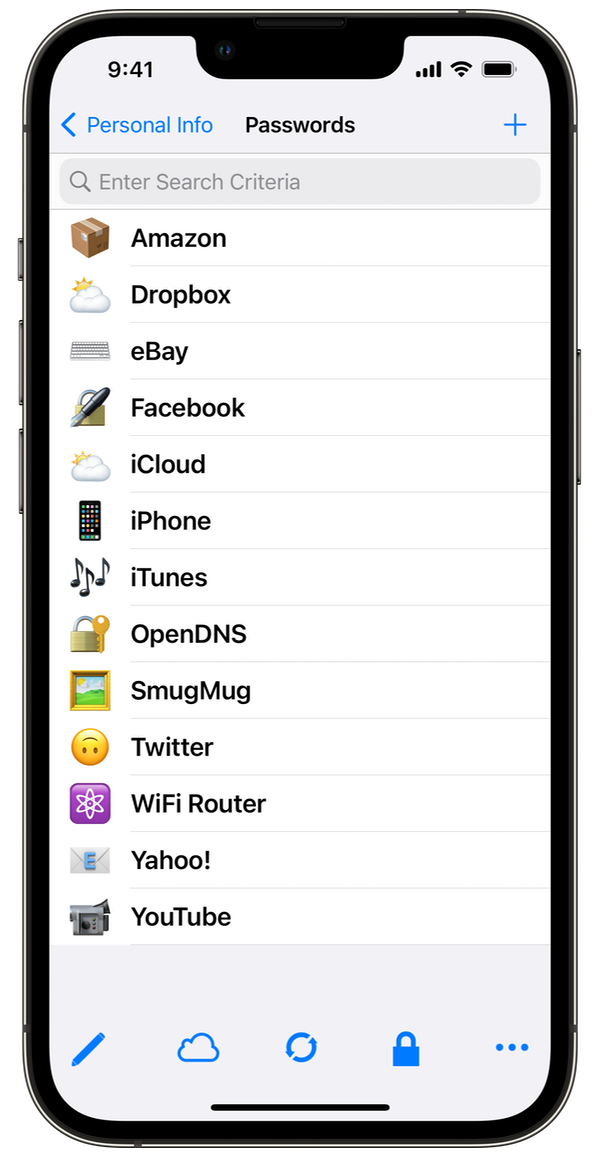
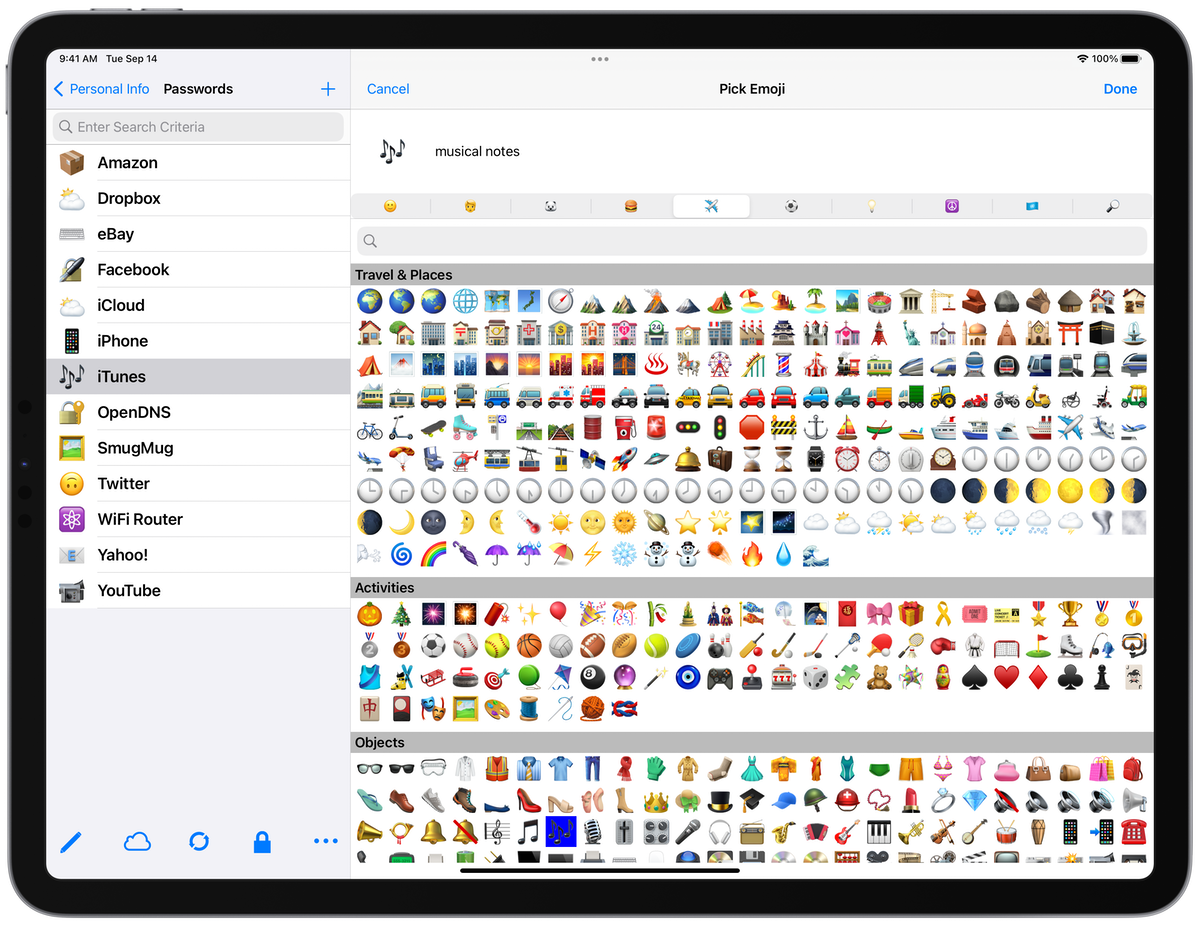
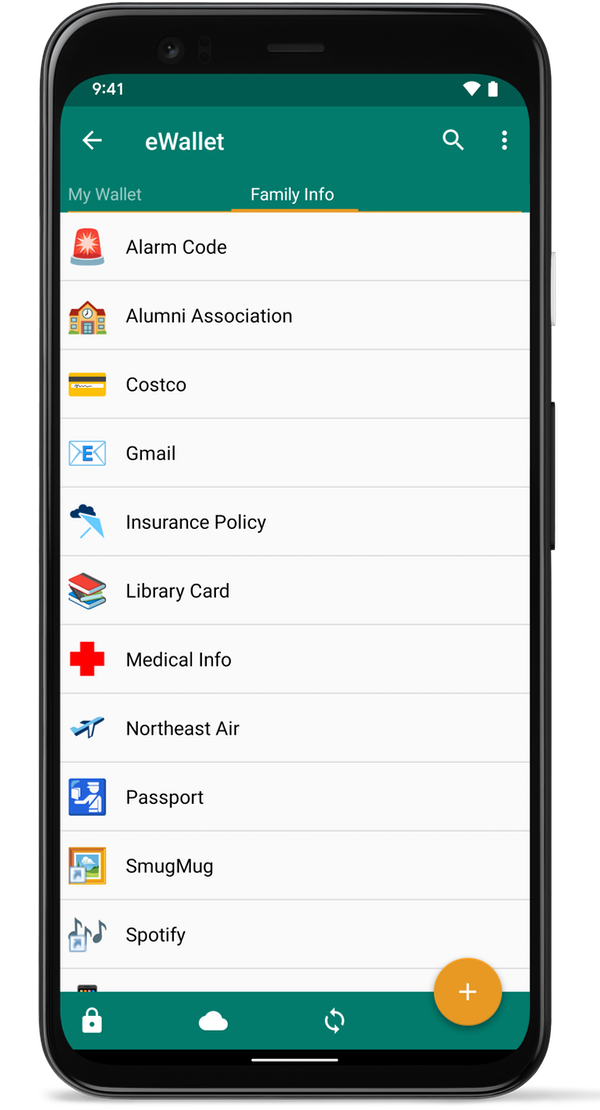
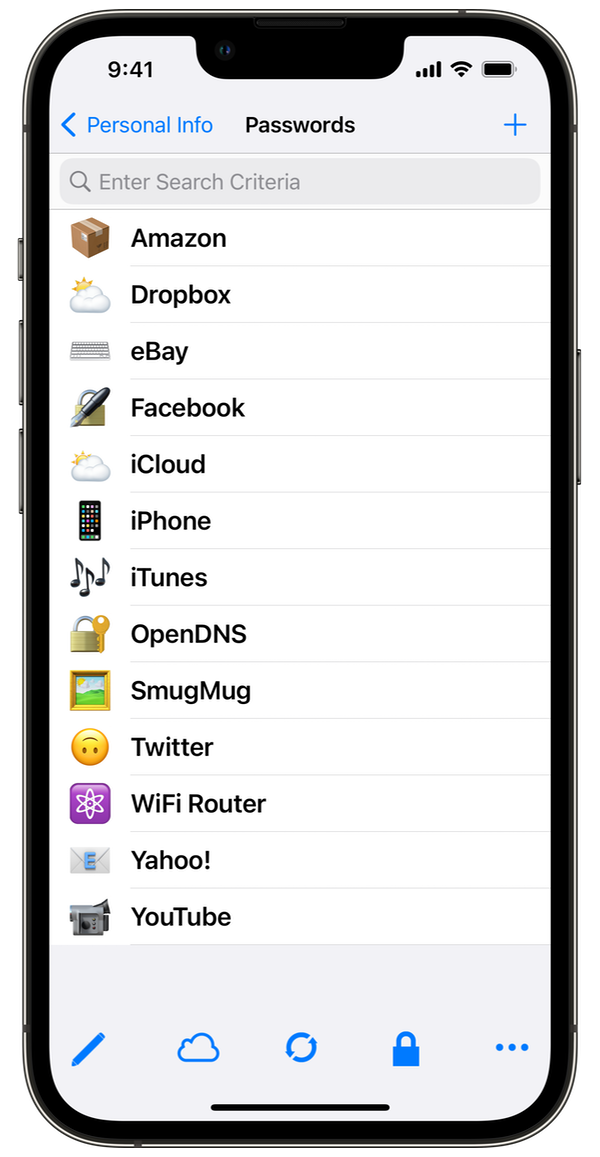
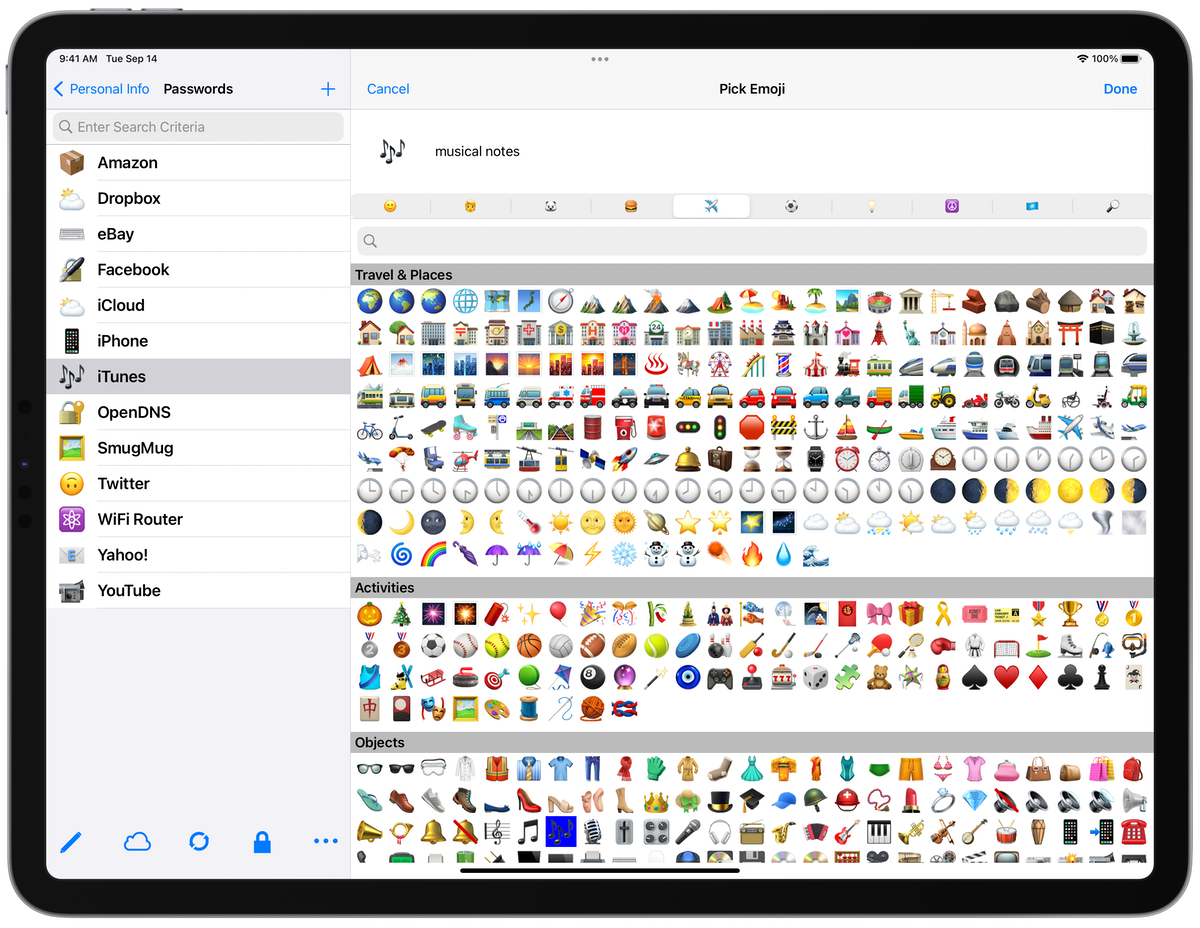
The latest eWallet® updates, with support for thousands of card icons are now available on Android, iPhone and iPad, Mac, and Windows PC (see below for platform details).
Emoji image
We want more card icons!
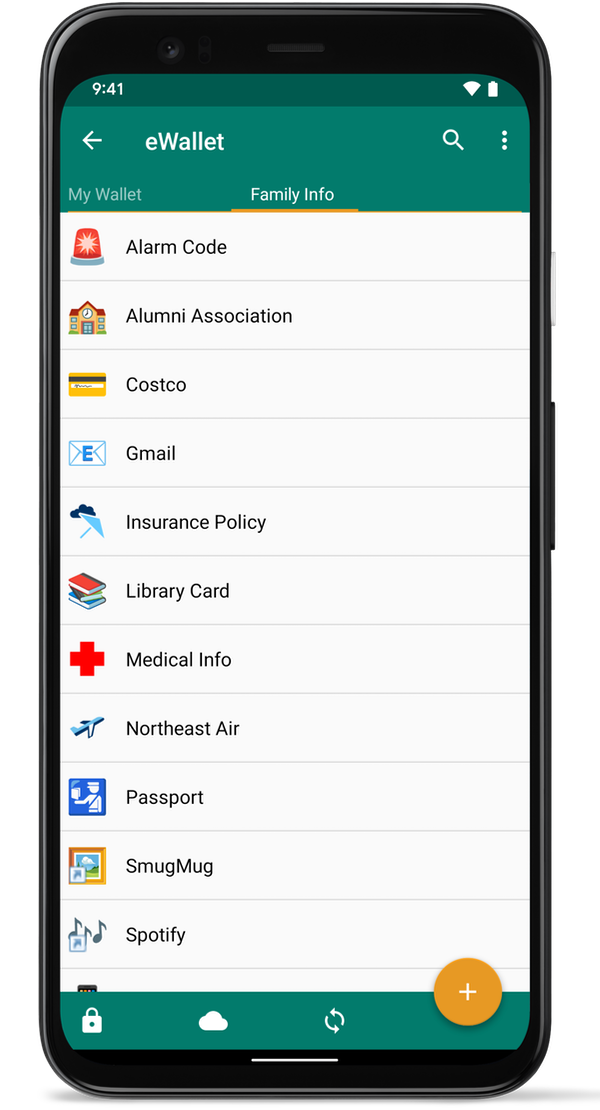
eWallet users have told us they really like to customize the look of their cards, and one way to easily do that is with the icon that can be displayed in the card’s corner. This same icon shows up in your list of cards and categories too, making spotting your card quick work. eWallet has more nearly 50 built-in icons to choose from but sometimes that’s simply not enough. Then we thought, what about using Emoji as icons? There are thousands of them on almost every platform; many more in addition to the smileys we usually think of. People, Animals, Food, Travel, Activities/Sports and so many more. There are over 3,000 emoji you can choose from to customize your cards. You can even search to find the emoji that best fits your particular card and eWallet will size it and place it, just like the built-in icons.
eWallet for Android
eWallet for iPhone
eWallet for iPad
eWallet for Android
eWallet for iPhone
eWallet for iPad
Small, fast, lean
One of the really nice advantages of using Emoji as card icons is that they are already on your device or computer, so your wallet doesn’t get large with tons of extra graphics and the eWallet app stays lean and mean too. For even further customization, change the card and text color, or add a full-card background graphic (Unsplash has some really nice images).
So what else do the releases have? Well each release also got a platform-specific list of enhancements and fixes to better support the latest versions of their host OS and respond to some popular requests. For example, eWallet for Android has additional support for Android OS 12, new export options and an update to the Wallet Info panel, to name just a few.
Contact Us
As always, if you have any questions about these updates, or have other suggestions, please do contact us!
About these releases
eWallet 8.7 for Android runs on Android OS 8.0 to 12.x including both phones and tablets. The latest version is available from Google Play or the Amazon AppStore. The emoji as icons feature requires Android 8+ if purchased from Google Play, and Android 11+ if purchased from the Amazon Appstore. Get all the info about eWallet for Android here on our site.
eWallet 8.6 for macOS runs on macOS 10.13 or later, (includes High Sierra, Mojave, Catalina, Big Sur and Monterey). The emoji as icons feature requires macOS 11+. Get all the info about eWallet for macOS (including access to a 30-day trial version) here on our site.
eWallet 8.6 for Windows PC (desktop) runs on Windows 10 and 11 PCs and tablets as a desktop app, Windows 8.1 in Desktop mode, and all versions of Windows 7 (sp1+). The emoji as icons feature requires Windows 10+. Get all the info about eWallet for Windows (including access to a 30-day trial version) here on our site.
eWallet is a registered trademark of Ilium Software, Inc.
eWallet® 8.5 for macOS is now in the Mac App Store. The update adds support for Apple’s new Apple silicon chip as well as the recently released Big Sur version of macOS.
New from Apple
There’s been a lot going on at Apple with Macs, not the least of which is transitioning from Intel-based chipsets to their own Apple silicon. Apple also released macOS Big Sur with a refreshed and redesigned interface. eWallet for macOS will run natively on both Intel-based and Apple silicon-based Macs, and has been refreshed as well for Big Sur.
eWallet for macOS with tabs
Touch ID
eWallet users on iPhones and iPads have told us they really like the convenience of unlocking their wallet using biometrics, so this new release includes full support for Touch ID on compatible Macs running Catalina or later. Like with eWallet on mobile devices, users have complete control over enabling Touch ID on a wallet-by-wallet basis.
Mac Touch Bar showing Touch ID prompt
Many other enhancements
In addition to supporting the new hardware and new version of macOS, we also added lots of tweaks to eWallet like fully supporting tabbed windows,
a new font to make passwords more legible, dynamic link color on cards, along with many other enhancements. We now even include a What’s New
feature that will show you what has changed in the latest release. Perhaps most noticeable on MacBook Pros
is the new support for the Touch Bar, providing a handy way to access a feature while keeping your hands on the keyboard. And like the Toolbar,
the Touch Bar is customizable, letting you change which icons are visible as well as their order.
All the basics are still there too including being able to sync with eWallet on your iPhones, iPads, Android phones and tablets, and even
other Macs and Windows PCs.
About this release
eWallet 8.5 for macOS runs on macOS 10.13 or later, (includes High Sierra, Mojave, Catalina and Big Sur). This update is free for all users who already purchased a license for eWallet version 7 or 8 from Apple’s Mac App Store. Get all the info about eWallet (including access to a 30-day trial version) here on our site.
Mac App Store logo
eWallet is a registered trademark of Ilium Software, Inc.
eWallet® 8.4 for macOS is now in the Mac App Store. The new version has a focus on macOS Mojave (10.14) but includes plenty of improvements for Sierra and High Sierra users as well.
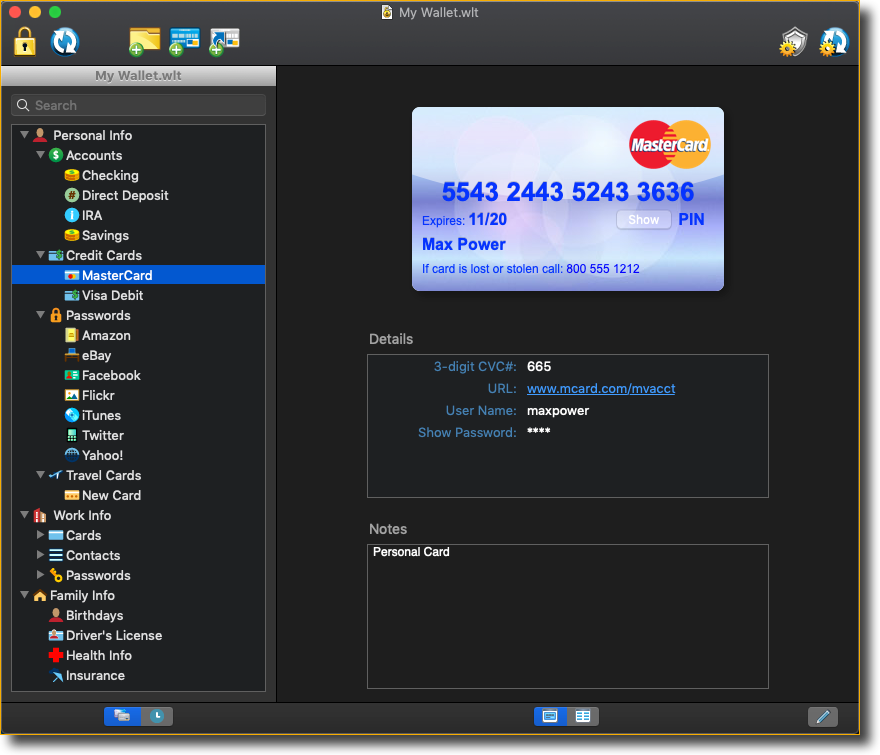
One of Apple’s goals with Dark Mode in macOS Mojave was to provide a “distraction-free working environment” and eWallet fully supports that. We went through every window and panel in eWallet and made the appropriate adjustments so they look great in both Light and Dark appearances.
eWallet screenshot in Dark Mode
And we added several other features as well across all three macOS versions, based on user requests. eWallet has long had the ability to print out a selection or an entire wallet but now the containing category name is included as part of that output. Create a new card and we now automatically give it a default title, to save a bit of typing. We enhanced the inactivity wallet lock as well so even if you left your card in the middle of editing, even the selected field will be saved. We also updated the Dropbox library to the latest version and switched over to using the default browser for the initial Dropbox login credentials.
eWallet 8.4 for macOS runs on macOS 10.12 or later, (includes Sierra, High Sierra, and Mojave). This update is free for all users who already purchased a license for eWallet version 7 or 8 from Apple’s Mac App Store. Get all the info about eWallet (including access to a 30-day trial version) here on our site.
As always, please keep the great feedback coming! And thank you to our Mojave beta team, who helped us identify issues and resolve them on macOS Mojave.
eWallet is a registered trademark of Ilium Software, Inc.



 eWallet for Android
 eWallet for iPhone
 eWallet for iPad