Our Products

My Release Philosophy

by Marc

I know everyone is waiting with bated breath for the release of the sync component for iPhone. I’ve heard the grumbling and I don’t blame people for being impatient. And what I talk about here isn’t meant to make you feel happy or wash away frustrations. I just want to address these concerns, especially for folks new to dealing with Ilium Software, so you understand the way we do things.

I’m also writing this because when we first created this blog, we told you that we’d give you a little insight into what happens behind the scenes at Ilium Software. The things I talk about here really highlight the sort of decisions and challenges we face everyday. So if you’re interested, read on after the jump!

So let’s talk about releasing software. Here is my philosophy…

First and foremost, I will never release an application that isn’t ready. Period. If that means releasing it a week, two weeks, or even a month late, then that’s what I’ll do. I hate to do it. It screws things up here when we release past our deadline, it is frustrating for folks waiting for it, but quality is the number one most important issue when it comes to our software.

Of course that leads to the question of “then why did you release eWallet without sync?” I’ve actually addressed this a few times - same answer. While some folks can’t even use eWallet without sync, a lot of folks are perfectly happy with a device only solution. So, for those people, eWallet without sync was everything they needed and we could give that to them on day one. And the application we released is, in my opinion, the best in class. Sync for iPhone is a “new feature” and not a requirement for eWallet to be a fantastic product on its own.

Second, I hate giving release dates and generally I don’t. In fact up until this iPhone release, we have never given release dates for anything. And after this release I doubt you’ll see release dates given for other products. We’re not stopping because of this release, but for the same reason we never posted release dates in the past: software releases aren’t like building a car. You can’t predict exactly how long it will take to put all the parts together. Unforeseen problems come up. Glitches happen.

So why did we give a release date for this and the original release? Well for the initial release, we gave a date because Apple said “It will be out on this date!” Seemed safe to us. Ah well. Live and learn. And for the sync release, we wanted to assure our loyal customers that we really were going to release a sync component. We wanted to assure folks that sync wasn’t just a cool idea we had but something we were working on.

And boy, did we work on it. As I’ve said before, not only did we work on this thing constantly, putting in many extra hours to get it done, we even brought in contractors. We take our promises very seriously. Did we get it out to customers by the end of August as we’d predicted? Sadly we didn’t. I’m really sorry about that and it frustrates me. At the same time, the entire project was complete by August 27th and considering the challenges we faced along the way (we killed three computers during development - we must have overworked them!) I’m really pleased at the speed with which the team here got the work done. (My thanks to all of them!)

Third, whatever we do should treat the customer right. We gave out a LOT of free desktop software to thank folks for buying early (just ask Kevin, Lee, and Don who had to fulfil all of those requests!) We effectively halved our potential revenue as a way to show our customers that they always come first. Did we take a major hit? Absolutely. Do we think it was worth it? Without a doubt. This is how we’ve done business since day one and I like to think that this is part of the reason we’re still here 11+ years later. Now for some folks, it isn’t enough. I understand and respect that, but at least I know we did all that we could to help out the folks who supported us.

I’ll close by saying I don’t blame folks for being frustrated. I know this software is important to a lot of people. I also know that for some folks, sync makes the difference between eWallet being useful or memory filler on their phone. I also want to make clear that I don’t blame Apple. After the initial release we knew just what to expect from Apple. So does that mean it’s our fault? You bet. In fact as Product Manager I take full responsibility for a late release.

But at the same time, while I’m sorry for the wait, I wouldn’t have done it any different. The end result is a fantastic product we’re all very proud of, and one that we really believe is going to make folks lives easier. Releasing the stand alone version first made a lot of people really happy. Releasing the sync component a little bit late means we’re releasing the best software we could build that will work properly the first time you use it.

In the end, folks that purchase eWallet will have the best product in its class, that works every time they use it, with the best support in the industry to back it up.

Share this article:


It's synching! IT'S SYNCHING!

by Marc

IT’S ALIVE SYNCHING! I’ve been responding to the various comments on the other posts, but I just wanted to give everyone a heads up that we are in fact synching with our iPhones and iPod Touch devices here at Ilium Software! We don’t see anything that will stand in the way of our release so watch this blog and your email. As soon as it is out we’ll let everyone know!

And just to offer a little more info - we’re synching LAN, ad-hoc, multiple locations and devices, bootcamp - it’s all working! Woo hoo!

Share this article:


4 out of 5 Pirates Choose eWallet!

by Marc

Apparently everyone knows that eWallet is the best way to keep your information safe! Even software pirates*!

I’ve always said that one of the key indicators of success is how many people are trying to steal your software. This has always been something we’ve seen with eWallet and apparently eWallet for iPhone is no exception. With hundreds of applications to choose from in the AppStore, the software pirates have chosen eWallet as one of 30 or so applications they’ve stripped Apple’s DRM out of. What is more, in articles about it (which I’m afraid I won’t be linking to here) they actually chose an eWallet screenshot to advertise this.

What can I say! We’re honored!

I’ll tell you, I really wish we could use this as part of a major marketing campaign. I mean, if a hacker thinks eWallet is the safest place to store their passwords and other critical information, it really says something about the level of security eWallet gives you. It’s like a skydiver telling you which parachute to buy or a police officer suggesting a particular brand of bullet proof jacket.

Yep, even software pirates know that if you want to keep your information safe, eWallet is the only choice!

DISCLAIMER: In case it isn’t obvious, I’m not advocating using pirated software. Please don’t do that. Besides the fact that it is illegal, pirating really does cut into our bottom line and makes it harder to keep releasing new versions! Clearly that isn’t in anyone’s best interest. Not only that, but lord only knows what might have been done with a version of the software that didn’t come from us. At the same time pirated software is a reality of the software industry and you have to be honored when pirates choose to steal your application over the many competing products available!

\* We’re pretty sure regular pirates prefer eWallet as well but unfortunately Apple hasn’t given us a way to track whether a sale was to a regular customer, a pirate, or a ninja.

Share this article:


eWallet iPhone Sync: Part II

by Marc

Aside from the thundering cries for a Mac version of eWallet (we’re working on it!) the most popular questions are all iPhone sync related. Well, the wait for answers is over. If you’re one of those folks who is dying to find out more about sync, hopefully we’ll answer all your questions in this post!

DISCLAIMER: We firmly believe that everything in this blog post is how it will be when we release it, but experience has taught me that something unexpected always pops up so this is my “we MIGHT do something a little bit different” disclaimer (but I don’t expect we will.)

Do we have to sync to the cloud/internet?

No. Honestly, this is the direction we were going with it. Frankly, with a 256-bit AES encrypted wallet file, this is an exceptionally safe option despite the misgivings some folks have. As it stands though we received MANY emails asking us to please release a local sync option first. Well, we listened, and the sync solution coming out in August will be a local sync.

Will it sync through the USB/cradle?

No. The reason is that Apple won’t let us. At this time, there is no way for a third-party developer to use the cradle or USB connection to transfer data back and forth between a (non-jailbroken) phone and a desktop. We REALLY wish there was. It would make life far easier for everyone involved. Unfortunately, this isn’t something Apple decided to do.  The only options are Wi-fi or Cloud. All I can say is that if you want to see USB sync send Apple an email! The minute Apple gives us a way to do a USB sync, we will be all over it.

So you’re using wi-fi to synchronize?

Yes. If you have access to a wi-fi network (ideally a home network) you will be able to synchronize your wallet to your mobile device. Again, let me repeat what I said earlier. This isn’t by choice. Apple won’t let us sync via a wired connection. We WANT to. We just can’t.

Will I need to create a special/ad-hoc network with my desktop?

Nope. If you have a standard home or office wi-fi network you can sync your data.

Wait a second! Sync my wallet over the air? Is this safe?

The entire sync process involves synching a fully encrypted wallet over a closed network and you’re never broadcasting a password. Basically, even if somehow someone managed to get your wallet it’d be worthless because they couldn’t get into it. Furthermore (see below) we require a confirmation of the sync partnership before we allow synching (and that confirmation is remembered.) This means no one is going to nab your wallet during sync.

How can I be sure that my wallet is going to the correct device?

When you add your device as a new sync location in the desktop version of eWallet we require that you confirm that partnership using a code provided by the iPhone/Touch. This ensures that the wallet only goes between those two devices. Period.

Is cloud/internet sync an option?

It will be but not in this release. In time we plan to add almost all of the features you’ve come to love in the desktop and mobile versions of eWallet.

Will I need a different desktop version?

No. The same desktop version you’re using will also let you sync with the iPhone. You won’t need a special “iPhone desktop” version. You will want to get the upgrade to eWallet 6.1.1 (it isn’t out yet) but the upgrade will be a free one if you own eWallet 6.0/6.1. This update doesn’t add any new technology, just some helpful user interface options that make it easy to setup iPhone synching.

Can I sync multiple iPhones/Touchs with the same desktop program?

Yes. Each device is added as a sync location and you can sync to as many phones as you like.

Can I sync more than one wallet to the same device?

Absolutely. All the sync flexibility you’ve come to expect from eWallet will be true with this as well.

Can I sync multiple wallets to different devices with different settings?

Sure thing! Sync the way that YOU want to. We’re not going to restrict you.

Will I need anything else to make sync work?

Yes. You’ll need to have Bonjour installed. This is a background application that Apple makes which lets the iPhone/Touch talk to the desktop via a wireless network. If you’re using iTunes there is a good chance you already have this installed. Even if you don’t (or if you need to update Bonjour) we’ll give you a link and make it easy. This is an Apple product and you never have to DO anything with it (it’s a background application). The only thing it does is facilitate communication between desktop and device. Only people synching with an Apple device will need Bonjour.

When will sync be out?

We’re still on track for an August release. Updates seem to be getting pushed out within a week of submission so I don’t think we’re going to have problems like we did with the initial release.

Share this article:


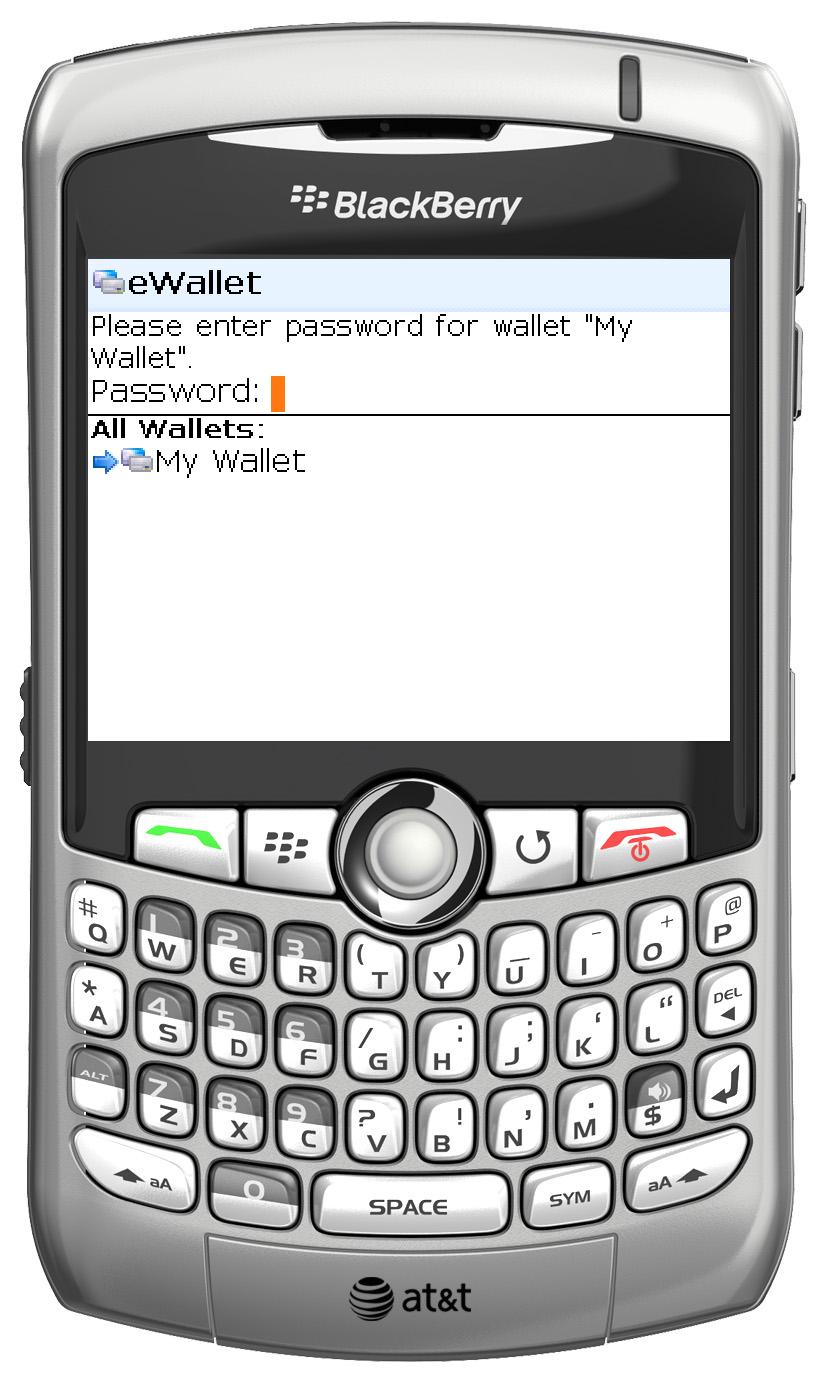
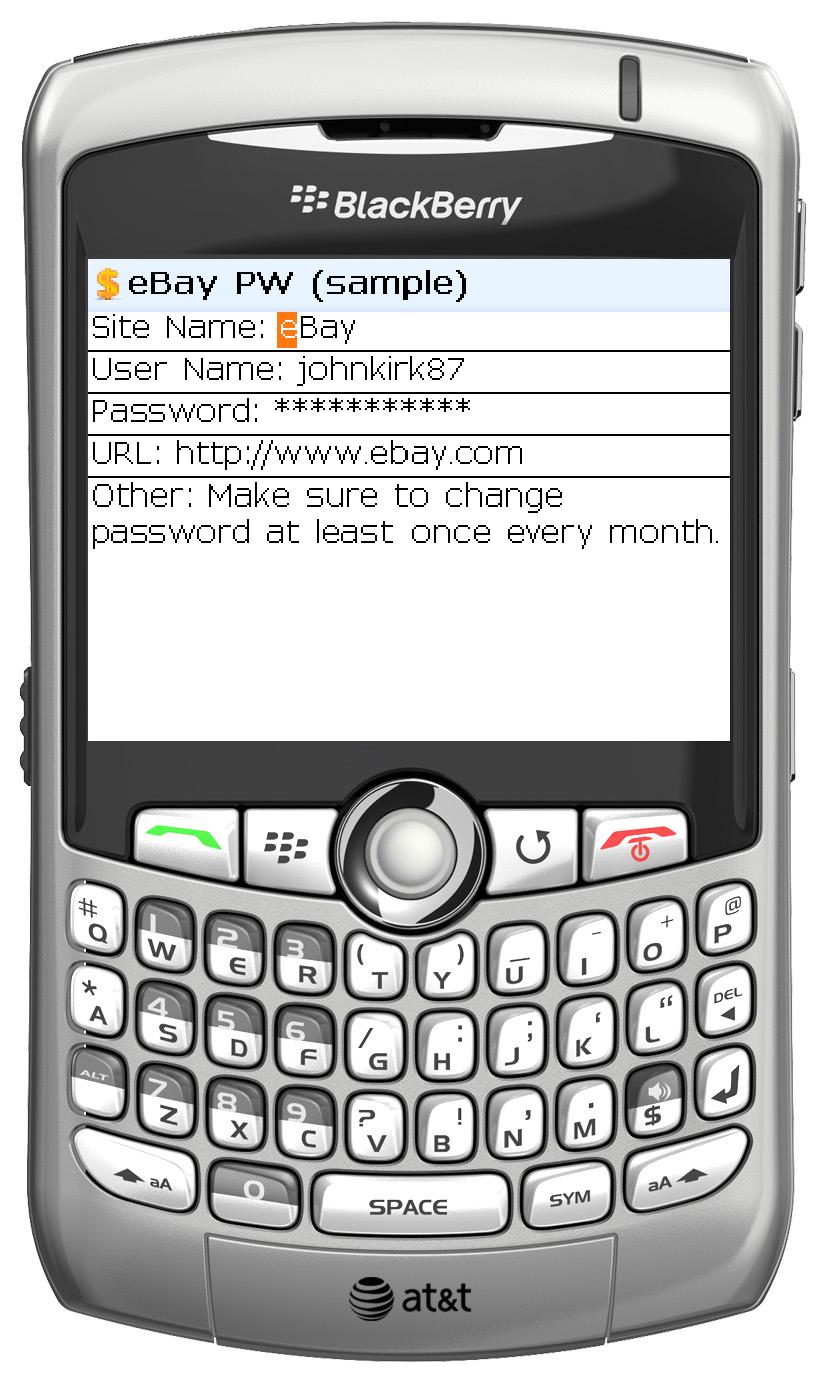
eWallet for BlackBerry Preview

by Marc

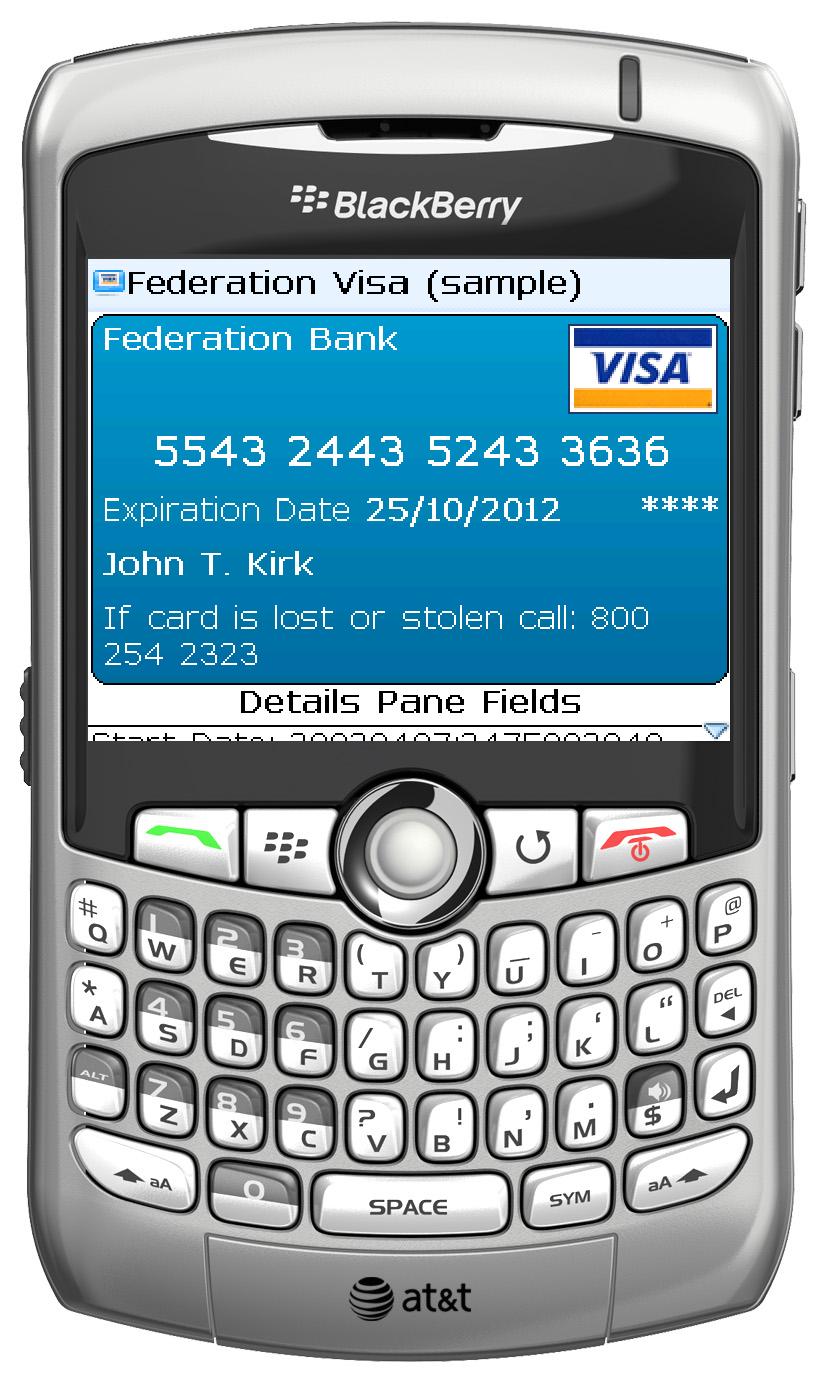
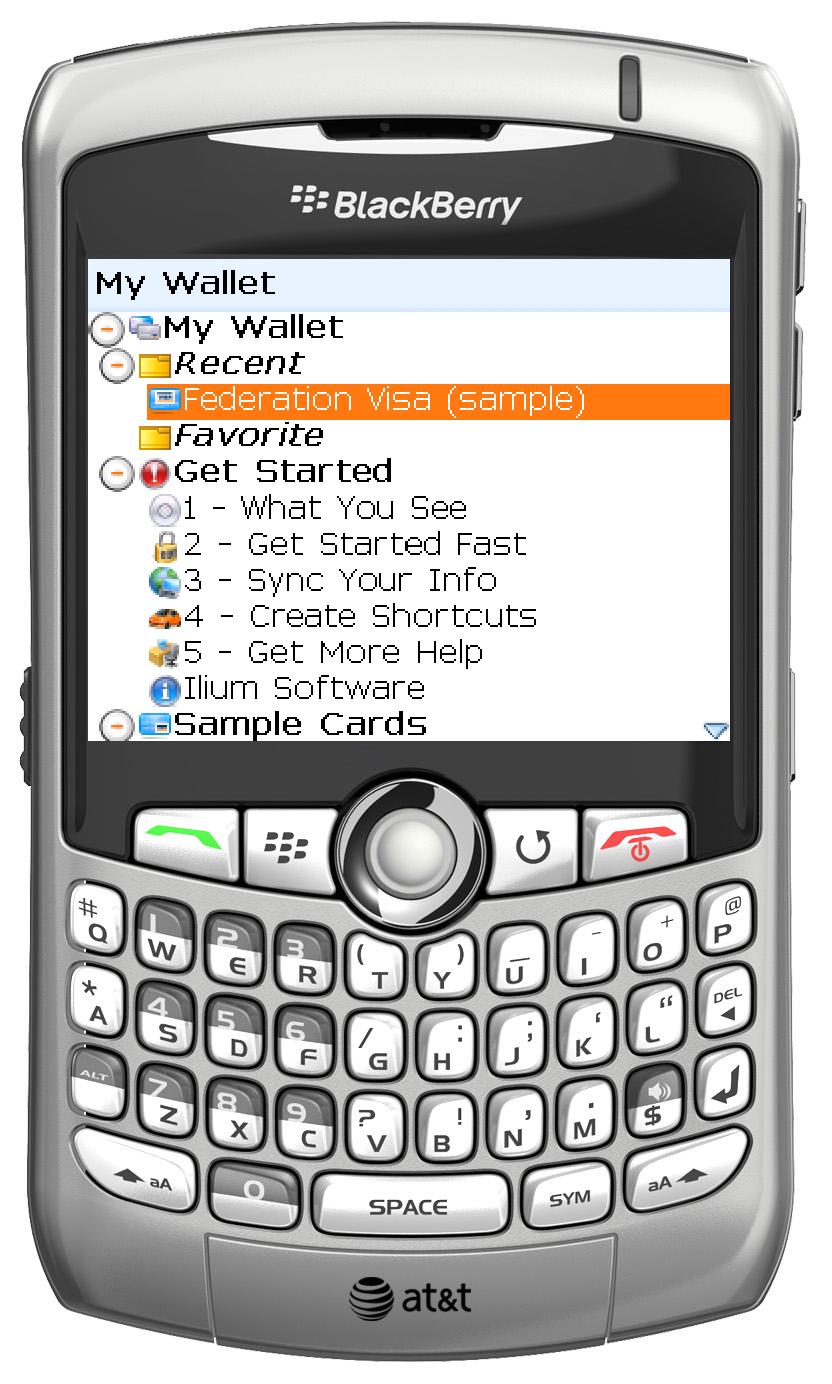
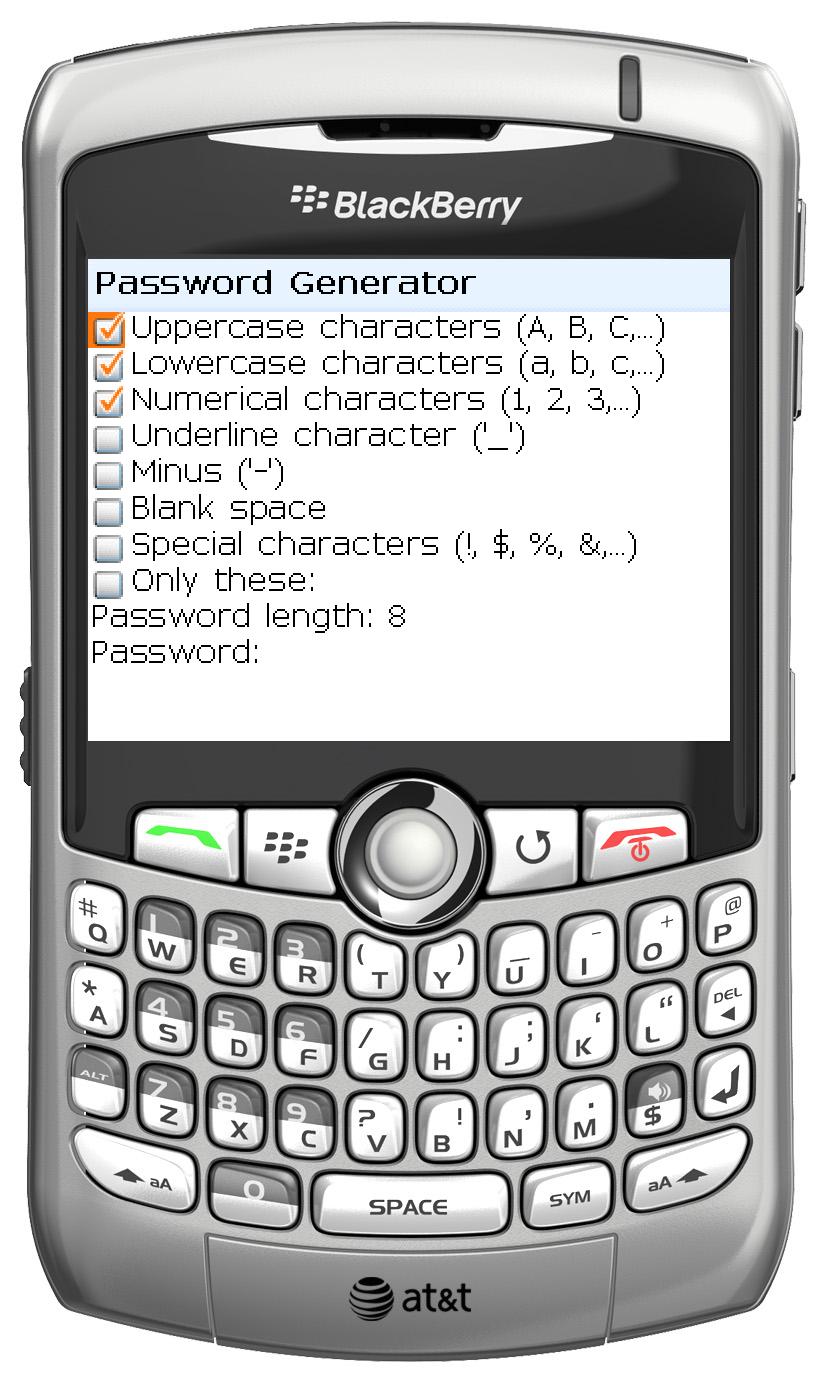
And here you thought all we thought about was the iPhone! Besides all the new improvements to eWallet on Windows, Windows Mobile, and Palm in eWallet 6.1, we’ve also been working with WebIS to bring you a BlackBerry version of eWallet. The BlackBerry version, which will be available sometime in the next few weeks, offers many of the same features you’ve come to expect from eWallet and full synchronization with the eWallet 6.1 Windows desktop software.

WebIS has done a fantastic job on this software. We think the BlackBerry users out there are going to be very happy with the results! We’re so excited that I figured I would post a few screenshots to give you a feel for the new software!

Click on the shots below for a larger image!

Share this article:


eWallet 6.1 is Out!

by Marc

eWallet 6.1 is now available! With features like customizable field types, card shortcuts,a new search, and easier to edit templates, this new version has a lot to love. And best of all, it’s a free upgrade to owners of eWallet 6.0.

I’ve already mentioned the main new features but let me elaborate a little!

  • Customizable Field Types: Now you can change the type for any field in your cards. Set additional fields as “hidden”, add more live URLs, specify which fields are used in AutoPass, and more!
  • Shortcuts: Create card shortcuts in your wallet to access cards from multiple categories. This is a great way to build a “favorites” category that contains your most used cards, without moving the originals around!
  • New Search: No more hopping card to card when searching! eWallet 6.1 provides you with a list of cards that match the search criteria.
  • Improved Template Editing: We’ve cleaned up template editing to make it even easier to make your own card templates. Mix in the Field Type feature and eWallet gives you a ton of power when it comes to designing your own cards!

And of course we’ve made a number of minor changes, but in some cases they are requests we’ve been hearing from you so for those of you who asked for them, these “little things” are a big deal!

  • Card Background Gradient is Optional: Now you can turn off the gradient for card backgrounds.
  • Easier Smartphone Editing: No more tap-move-tap, tap-move-tap to edit cards on Windows Mobile Smartphones (those of you who have been wanting this will know what I mean!) Just scroll from field to field when editing.
  • Space Optimization: We’ve worked to optimize the way eWallet uses memory on your device. From minor “tweaks” to making sure eWallet only installs the graphics you need, we streamlined the application.
  • Faster Start-up: Not every user will see an improvement but thanks to some of our streamlining, some users will see an improved start-up time! And for those of you using lots of custom icons, don’t worry! We’re still working to improve start-up there as well!
  • New “Options” Interface: We’ve made it easier to personalize eWallet on your desktop by cleaning up some of eWallet’s options and placing them in a new Options interface. Just select Tools->Options. And watch for additional personalizing options here in future versions!

As you can see there is a lot to like about eWallet 6.1 and as a free upgrade for 6.0 owners or a discounted upgrade for 5.0 users, the price is right! And the best part is we’re already working on 6.2!

Thanks! And as always, let us know if you have any questions! We’re here to help!

Marc Tassin Senior Product Manager

Share this article: