
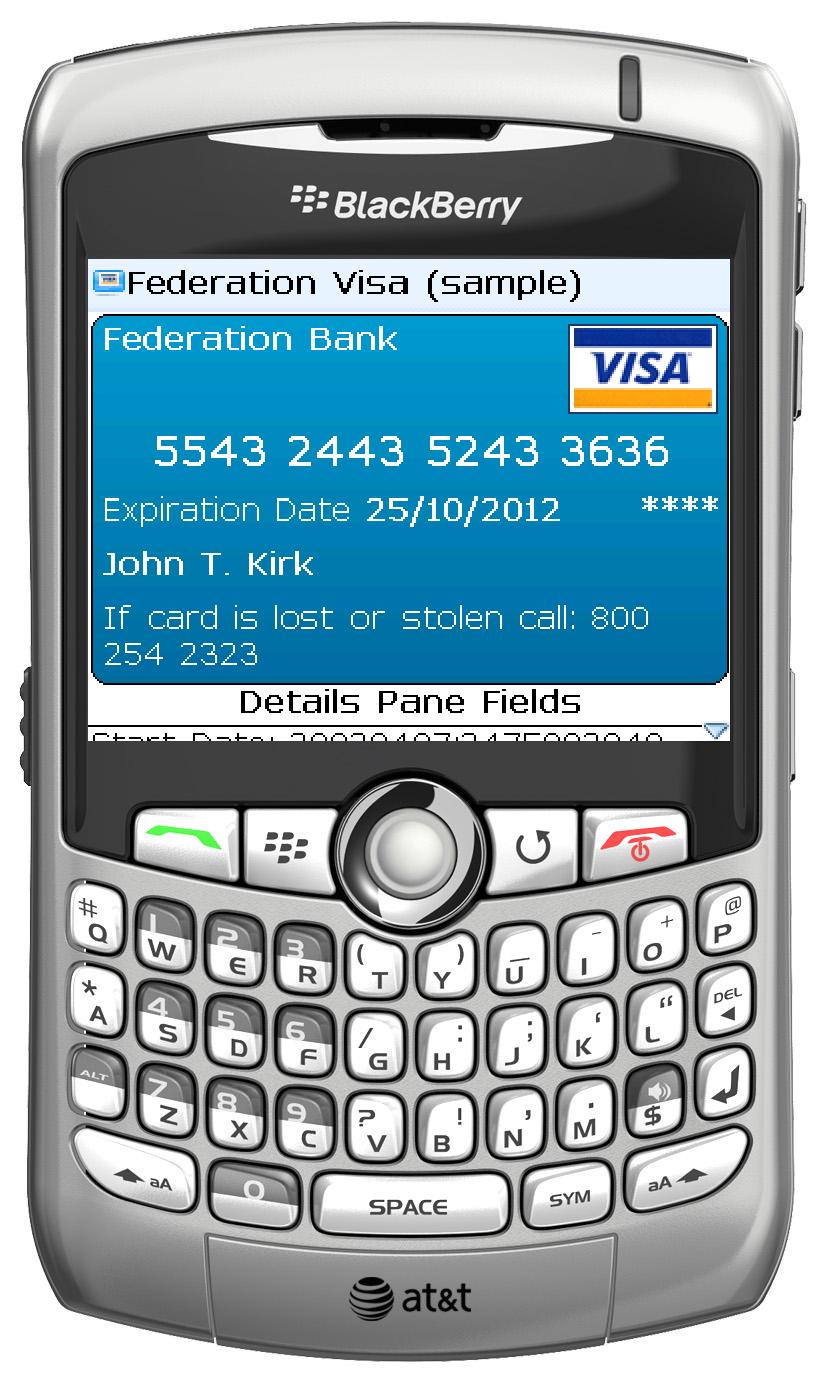
 eWallet for BlackBerry is finally here!It isn’t available for purchase yet, but we’re very excited to announce that you can download a Beta version of the software today! This version is a full featured version and will synchronize with eWallet 6.1.3 for Windows PC. (If you do not have 6.1.3 on your desktop PC yet, click here.)
Although this is a Beta version of the application, it is extremely solid and works great. It IS a Beta though, so all the usual warnings and disclaimers apply (for instance, be sure to make a good backup of your wallet files before you start using it, use at your own risk, etc.) Again, it is extremely solid but officially it is a Beta.
In addition, while this is “full featured” this Beta version will only function for a limited time. At the end of that time you’ll need to get the full version if you wish to continue using the application.
OK, enough talk and more downloads! Here are the links you can use to download the Beta version. Both are for an EXE that you run on your desktop computer that will let you install the application to your BlackBerry. Note that I’ve included a zipped download as well because some folks’ security won’t let them download ANY EXE files.
Next up, if you decide to try this out we encourage you to give us feedback! Let us know what you like, what you don’t like, and if you run into any problems! WebIS is hosting a forum to facilitate this. You can find the forum here:
eWallet for BlackBerry Open Beta
SO, that’s that! I hope you guys like it! As always, let us know if you have any problems!
PS: See, I told you it wasn’t Vaporware. 😉 🙂